Journal entry
NovelAI Diffusion V4.5 Curated is Here!
Our new and much improved image generation model is here: NovelAI Diffusion V4.5 Curated!
We learned a great deal from training our first image generation model from scratch with V4.0, and V4.5 is the result of applying all that we learned from V4.0 in practice. It is a large overall upgrade compared to V4.0 — so much so that we considered calling it V5, but we have already laid out some future plans for that model, so we ended up going with V4.5 in the end.
We have made numerous changes and optimizations to the V4.0 model architecture, which improve the overall quality of generations, eliminate visual artifacts and improve its capability to learn various concepts. On top of that, we have also replaced the Flux VAE used in V4.0 with a custom one, which is much better suited to the types of content our models generate. Of course, we have also taken the opportunity to bring our dataset up-to-date and to add some additional data from different sources, further expanding the knowledge of our model.
Overall, the various improvements we have made come together to bring you a new state of the art anime model with highly improved fidelity, aesthetics and knowledge. Where V4.0 was rather quirky in some ways, we find V4.5 to be, overall, a well behaved and easy to steer model that we are sure you will find a joy to work with while generating your images.
The Full variant of the model, as well as Vibe Transfer, are still being trained, but we aim to get them out and into your hands as soon as we can. Please look forward to them in the coming weeks!
NovelAI Diffusion V4.5 Curated is available right now, so make sure you check it out!
**Model Comparison
**During internal testing, we let testers compare generations of V4.0 Curated and V4.5 Curated in a blinded setting (testers do not know which image was generated by which model) over three different tasks:
- Choose between two images with the prompt visible and pick the one you like better.
- Choose between two images with the prompt invisible and pick the one you like better.
- Choose between two images and pick the one which follows the prompt better
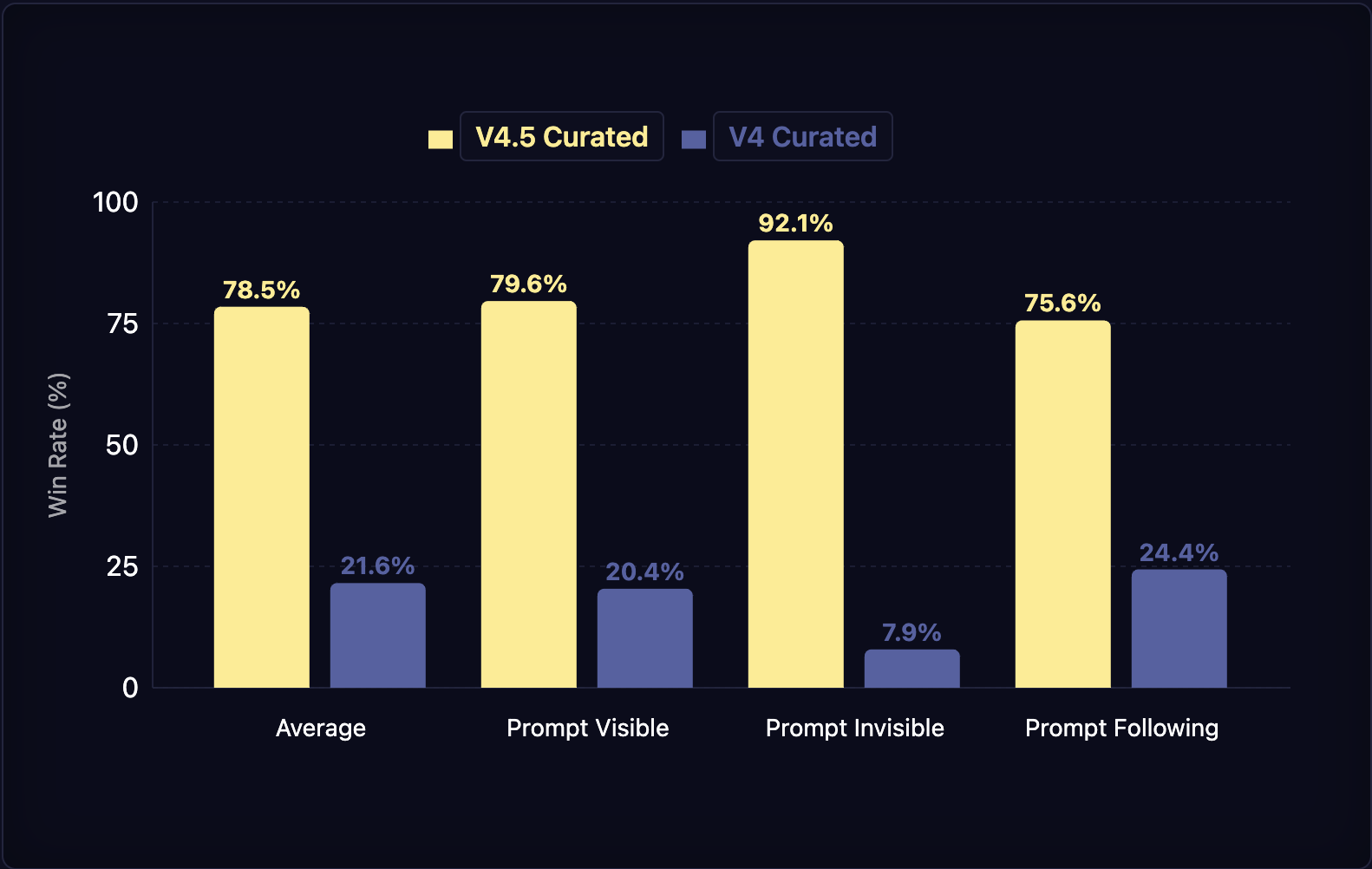
In all measurements, V4.5 outperformed V4.0 by a large margin. Especially notable is that, in the case where the prompt is not visible, V4.5 has a win rate of 92.1% against V4.0, demonstrating a large improvement in baseline coherence, aesthetics and image quality. Prompt following has also improved quite a lot as can be seen by the 75.6% and higher win rates for the other two measurement tasks.
**Emphasis and Negative Numeric Emphasis
**Due to changes to the architecture and improvements to how we apply emphasis, with V4.5 the usable range of emphasis has been expanded quite a bit. During testing, we find that outputs remain reasonably stable even with numeric emphasis values up to and even beyond 10.
It also becomes possible to use negative emphasis values with the numeric emphasis syntax. While it may not be immediately obvious how this could be used, it opens up many new possibilities.
Firstly, it can often be used as a more effective way of negative prompting. If you have a character that usually wears a hat that you want them to take off, often a “-1::hat ::” can be enough to make it disappear. If the hat proves to be more stubborn, you can just ask more strongly for it to disappear like this: -3::hat ::
However, negative emphasis is not limited to just removing objects from your image. It can also effectively prompt for the opposite of what a tag represents. For example, if you find that your image is lacking color, “-1::monochrome ::” will usually bring the painter’s palette right back. If you find your generated image to be lacking in fine detail, something like “-2.5::flat color ::” or “-6::simple illustration ::” can fancy it right up. If your characters end up in a white void, “-1::simple background ::, location” or something in that vein should help them find their way back to some less ethereal locale.
**New and Changed Tags
**With V4.5, a new tag makes its debut and an existing tag from V4.0 gets renamed. Let’s start with the latter.
The “top aesthetic” tag is no more. It has been renamed to the familiar “masterpiece” tag from the old days. Looking at discussions between users, we noticed that the old and gone “masterpiece” tag still kept showing up in prompts, despite not being effective any longer, while the “top aesthetic” tag remained relatively unknown, so we decided to rename it.
There is also a new tag we made. It is called “location” and already showed up in an example in the previous section. This tag works like a combination of the “indoors” and “outdoors” tags and indicates that your image should show some kind of location without having to specify which of the two it should be.
**Text on Images
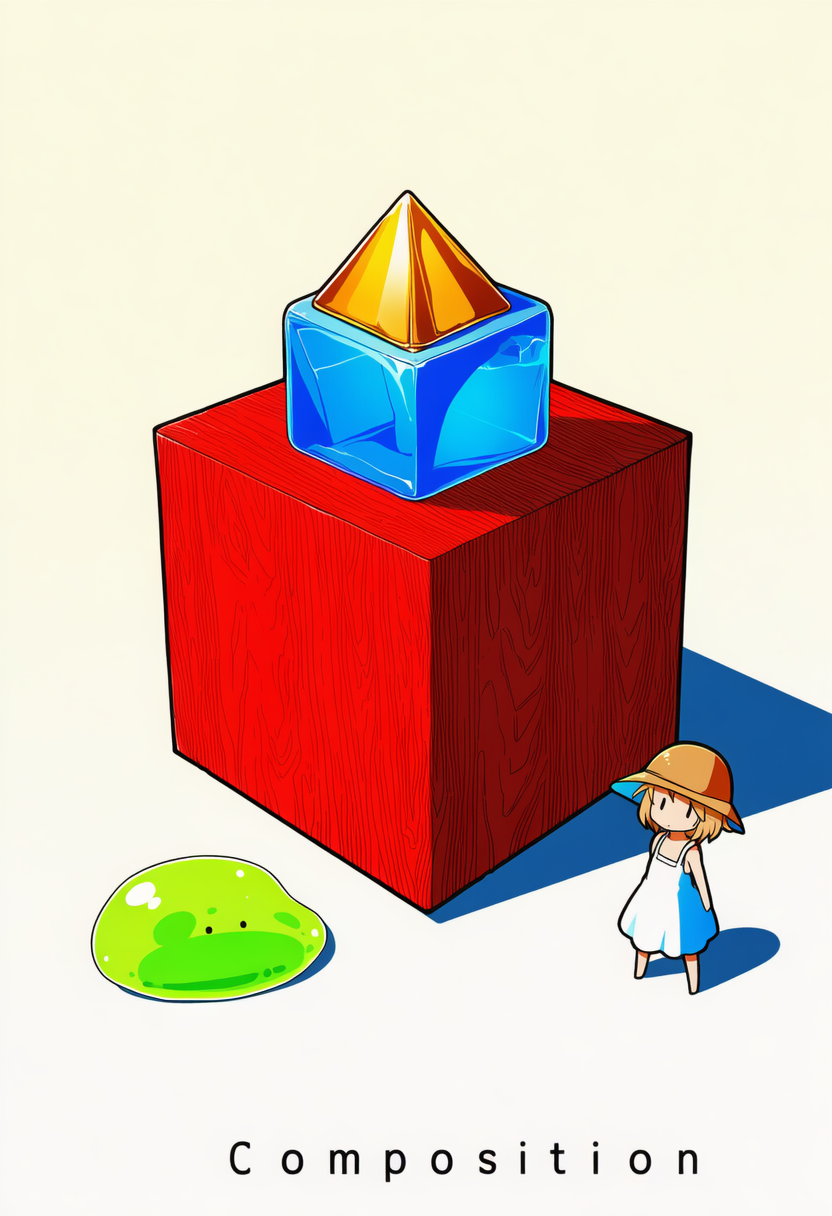
**We have made some changes to how prompting for text works. For V4.5, it shouldn’t be necessary anymore to make your text all uppercase as was often the case with V4.0. Instead, we recommend the following. Include the “text, english text” tags in your prompt. At the end of your base prompt, put “ Text: …” where “…” is the text you want included in your image. If you want multiple separate pieces of text, separate them with an empty line. You can type newlines in the prompt field with Shift+Enter. The most important thing is that “Text:” needs to be at the very end of your prompt. If it isn’t, any tags or natural language parts of the prompt following it may show up in your image!
Putting all text in the base prompt is probably the most reliable way to do it, but putting “Text:” in character prompt boxes should work too. To further improve reliability, you can also repeat your text in a natural language part of your prompt.
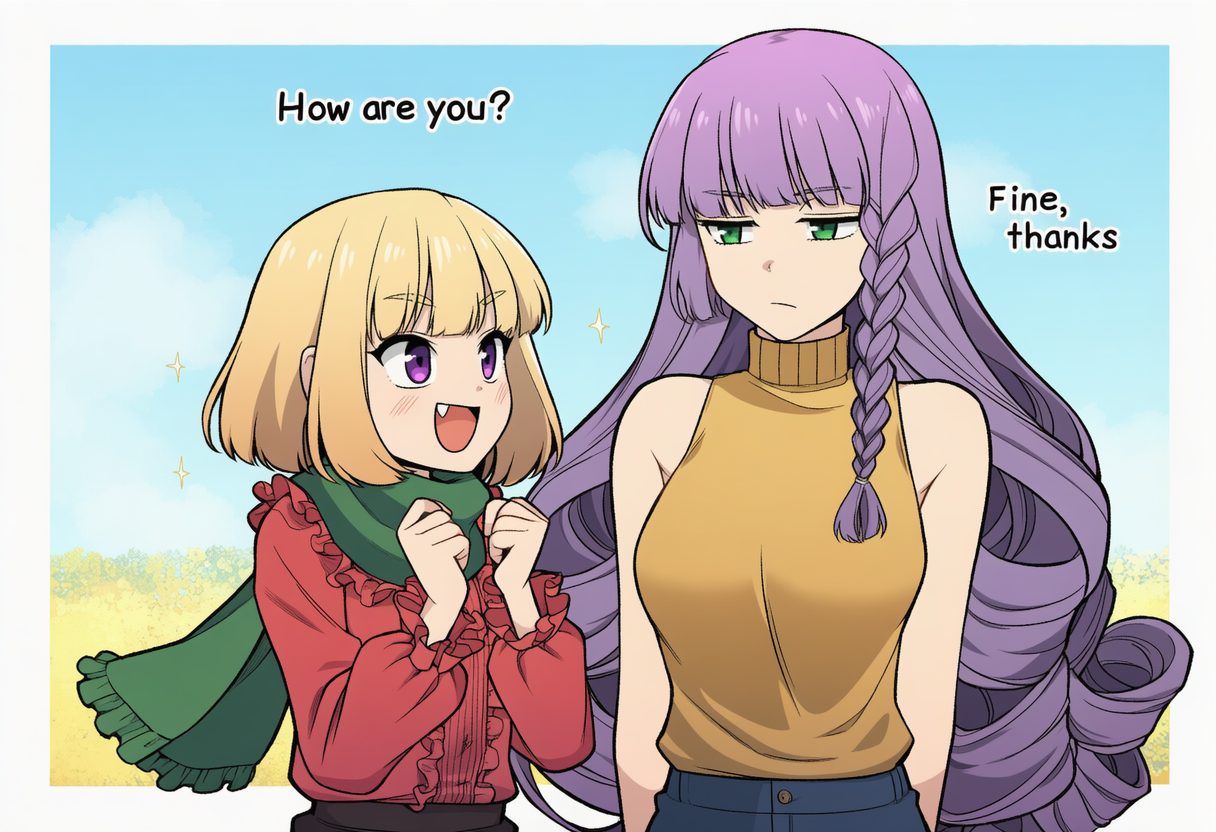
Here is an example:
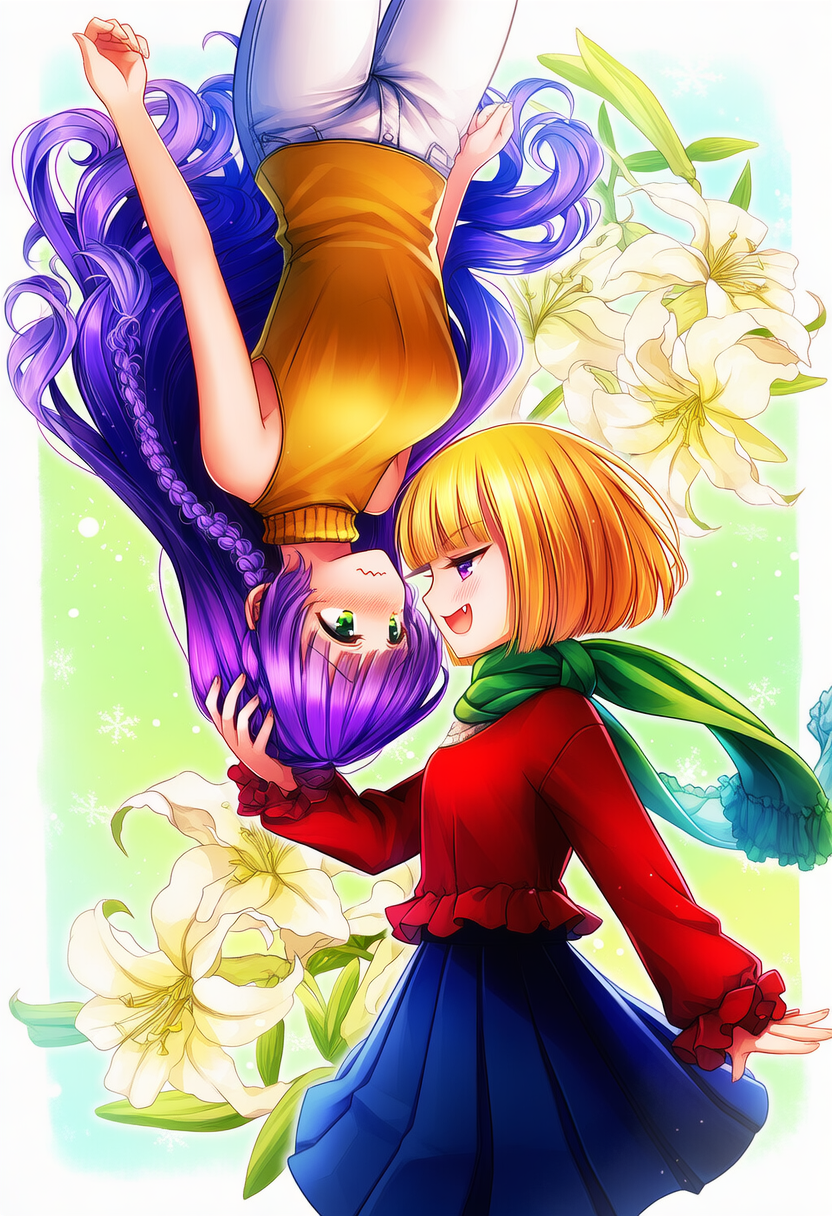
2girls, text, english text, location, -1::monochrome, speech bubble, simple background ::, looking at another, masterpiece, best quality, rating:general. The blonde girl is excitedly asking “How are you?” and the purple haired girl is responding “Fine, thanks” with a bored expression on her face. Text: How are you?
Fine, thanks
| 1girl, purple eyes, short hair, ruffled blouse, red blouse, blonde hair, green scarf, blunt bangs, fang, small breasts, long sleeves, bob cut
| 1girl, very long hair, purple hair, curly hair, golden shirt, full body, green eyes, turtleneck sweater, sleeveless turtleneck, side braid, medium breasts, sleeveless
**Gallery
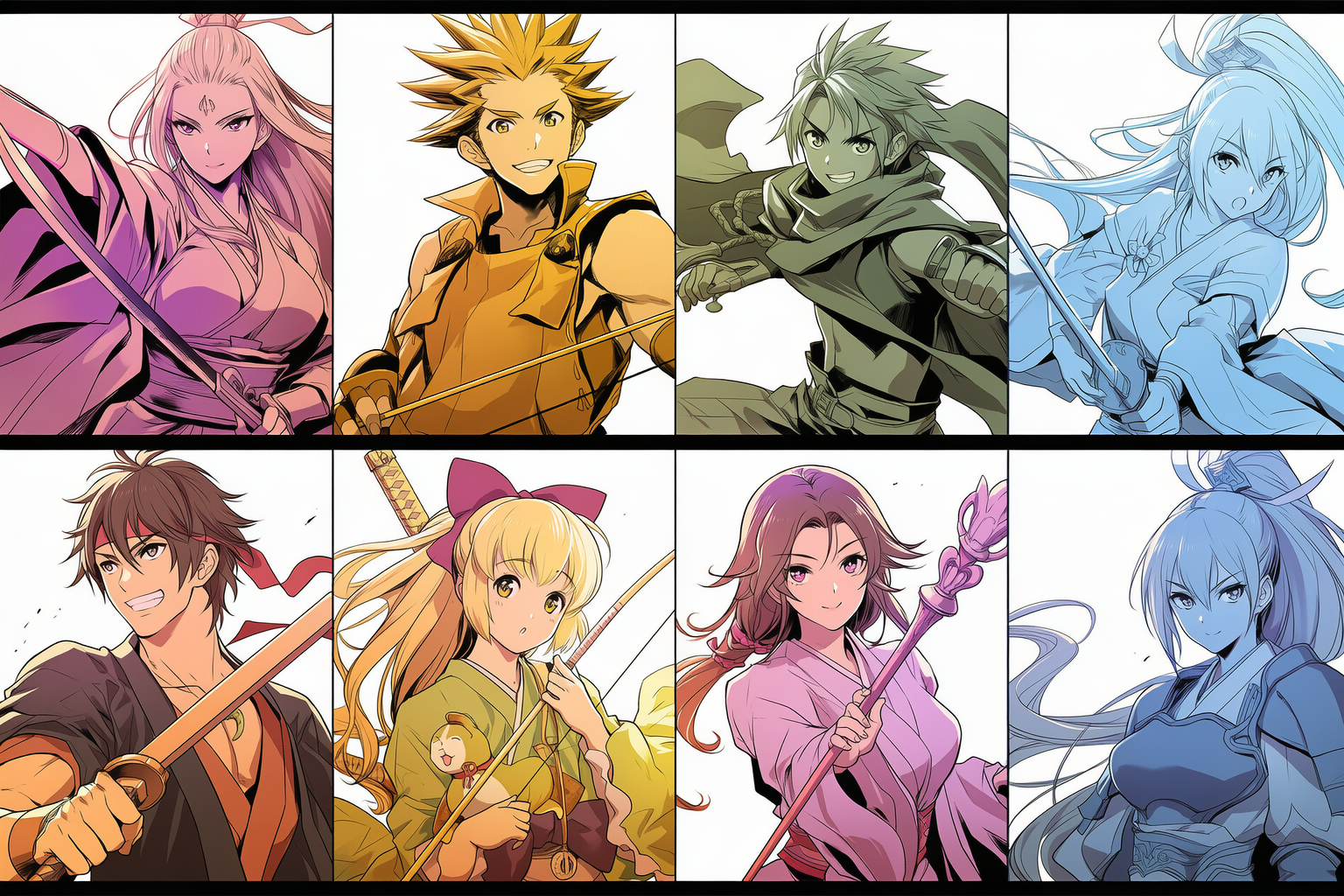
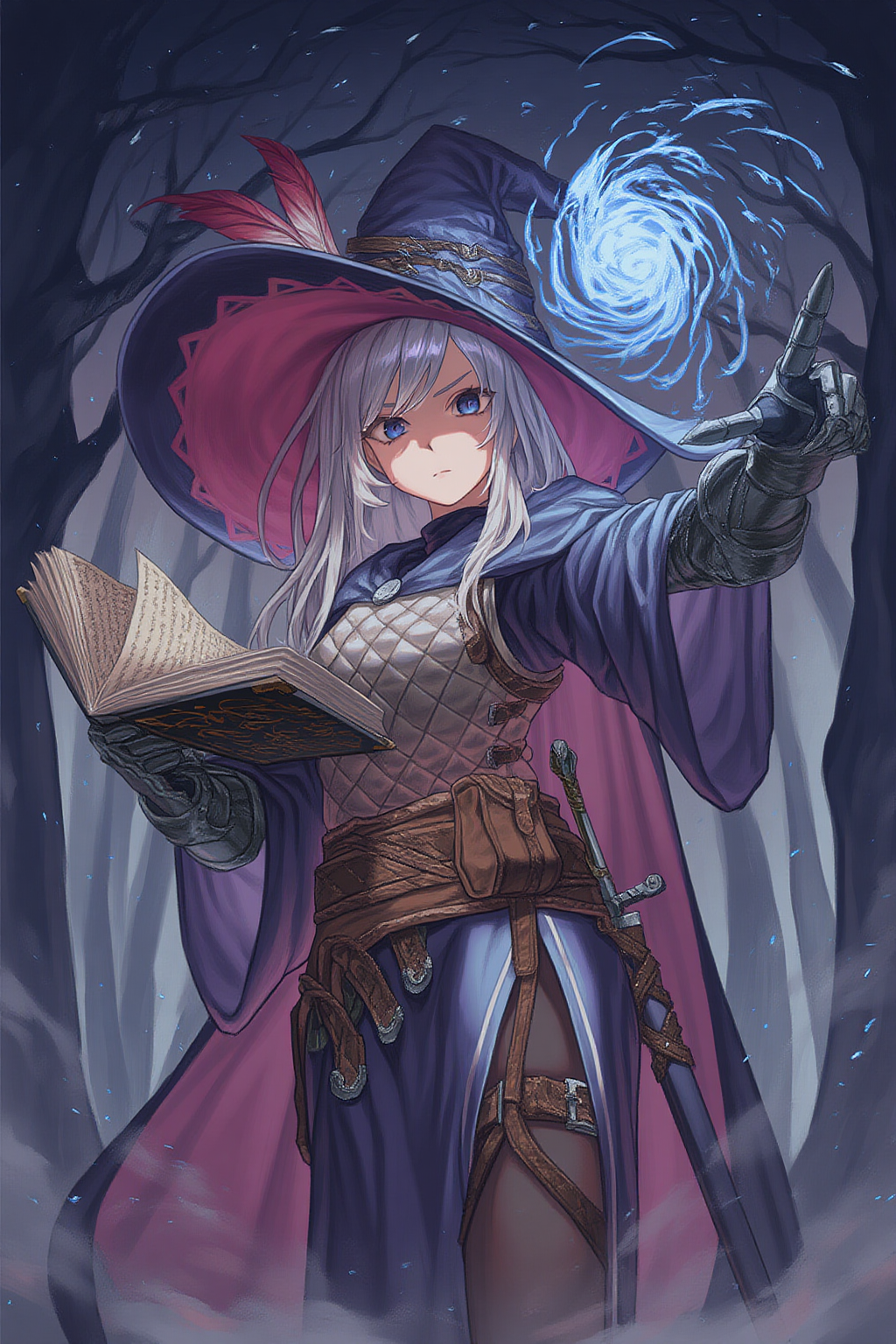
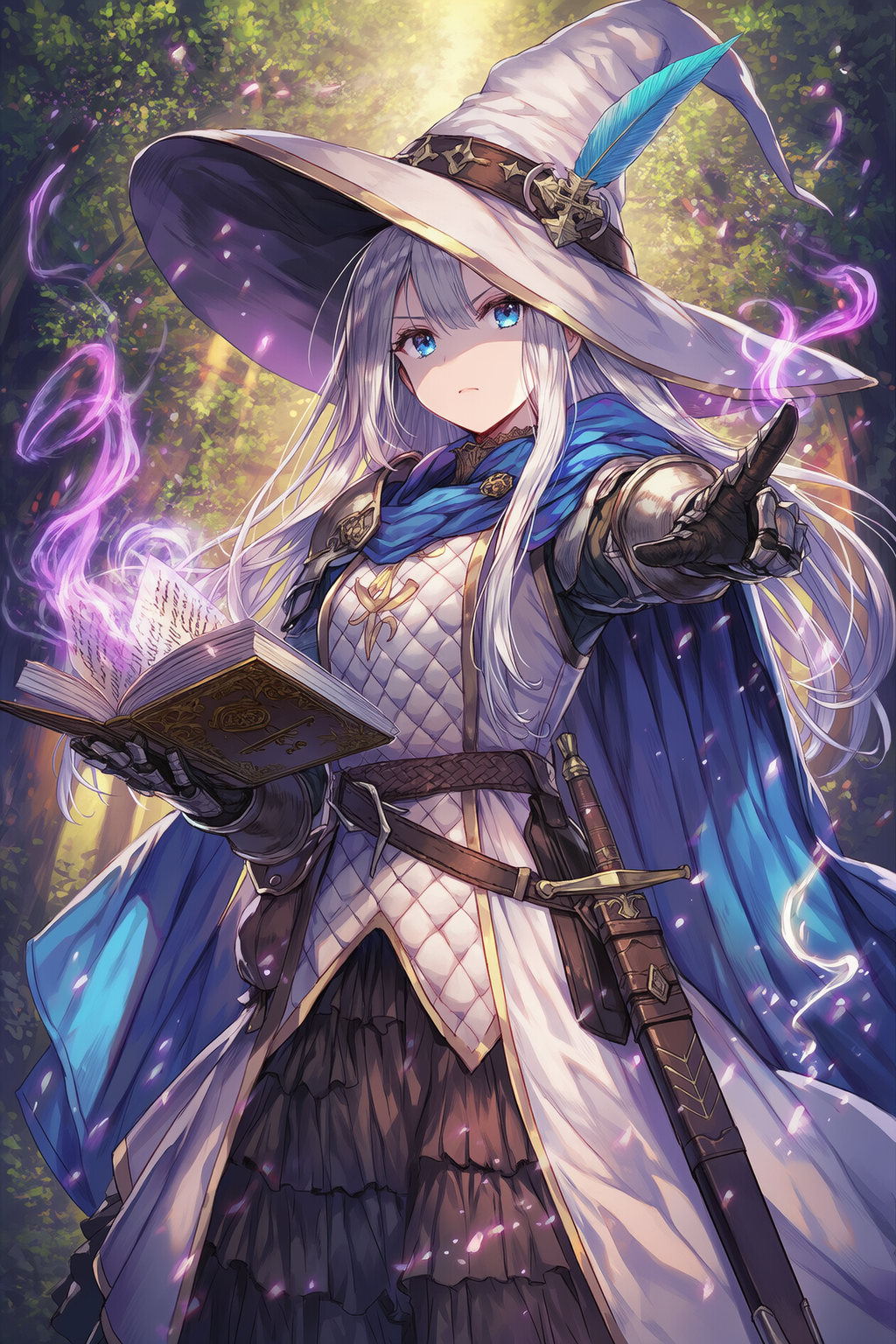
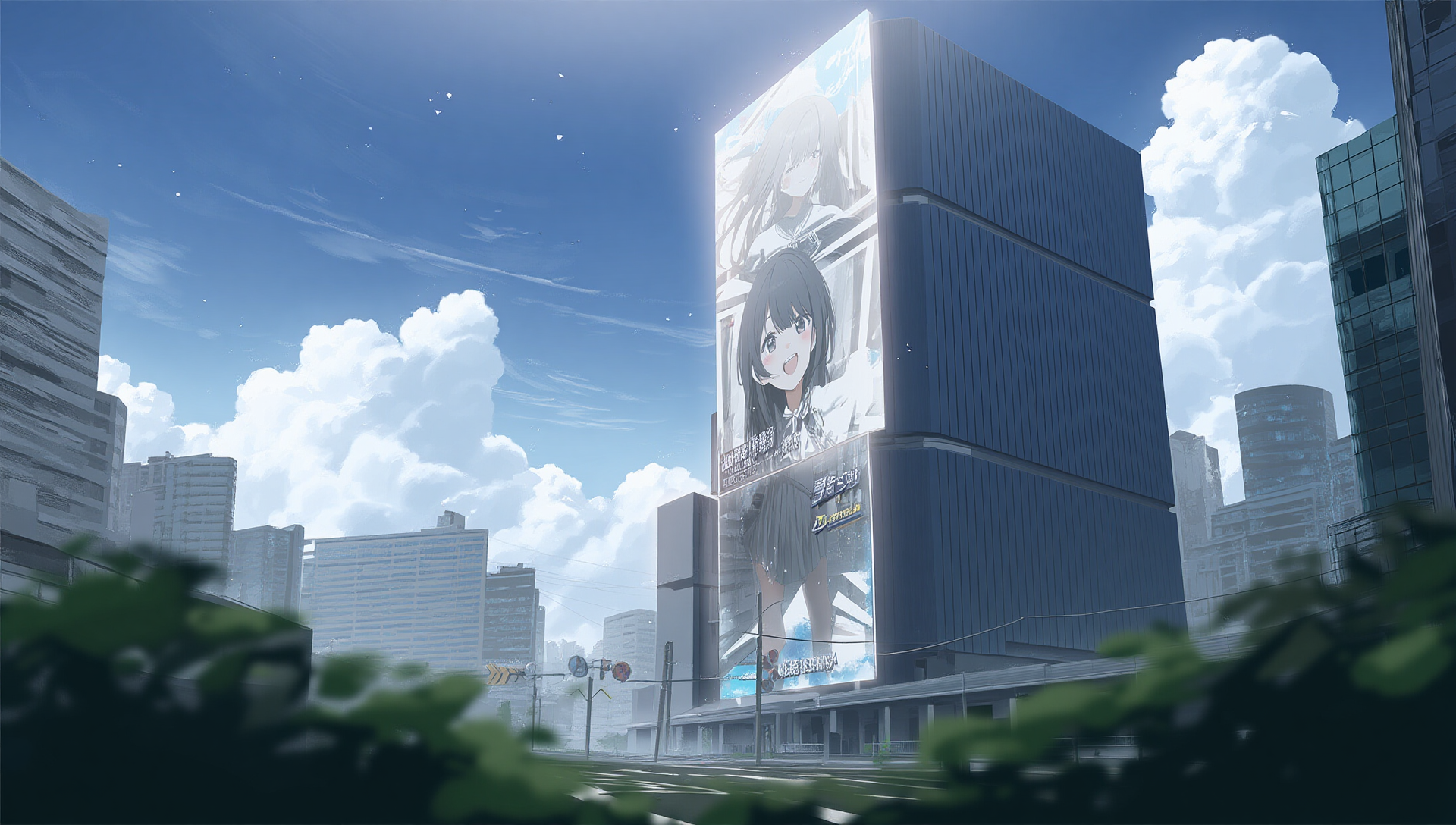
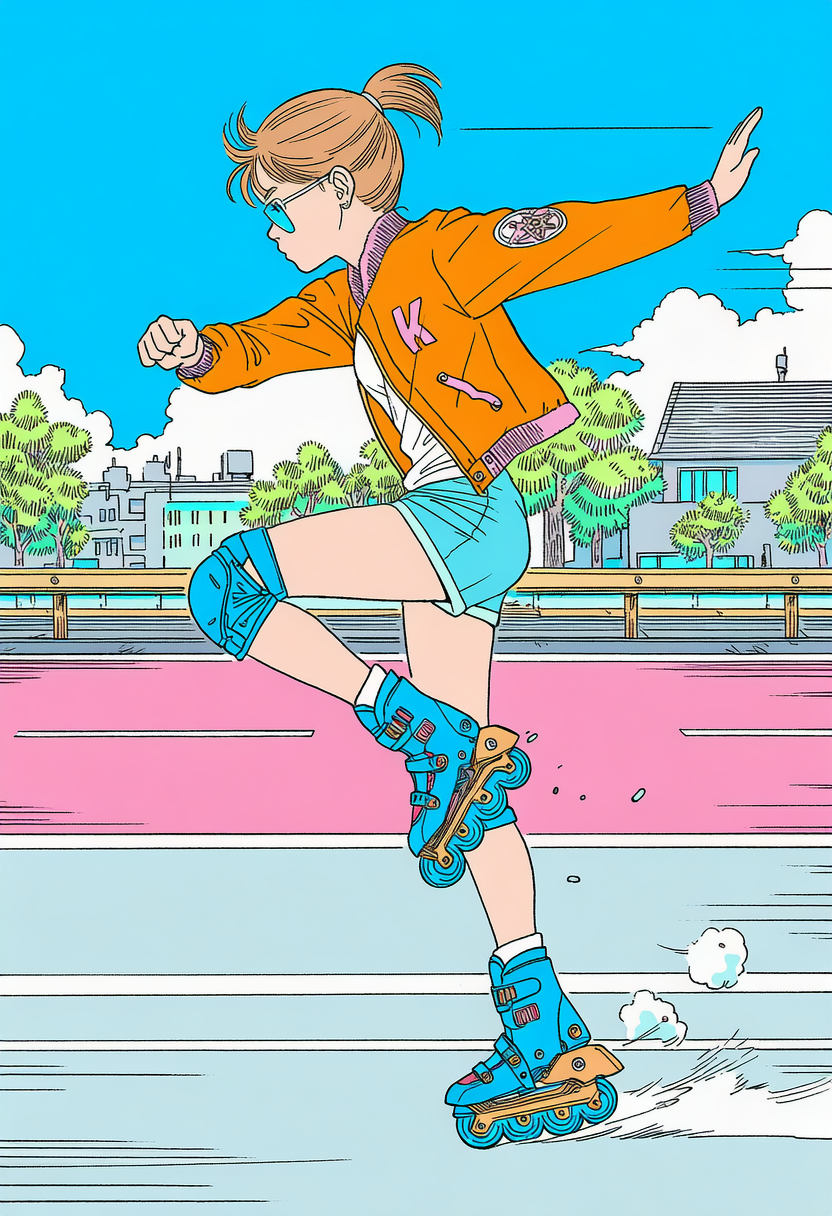
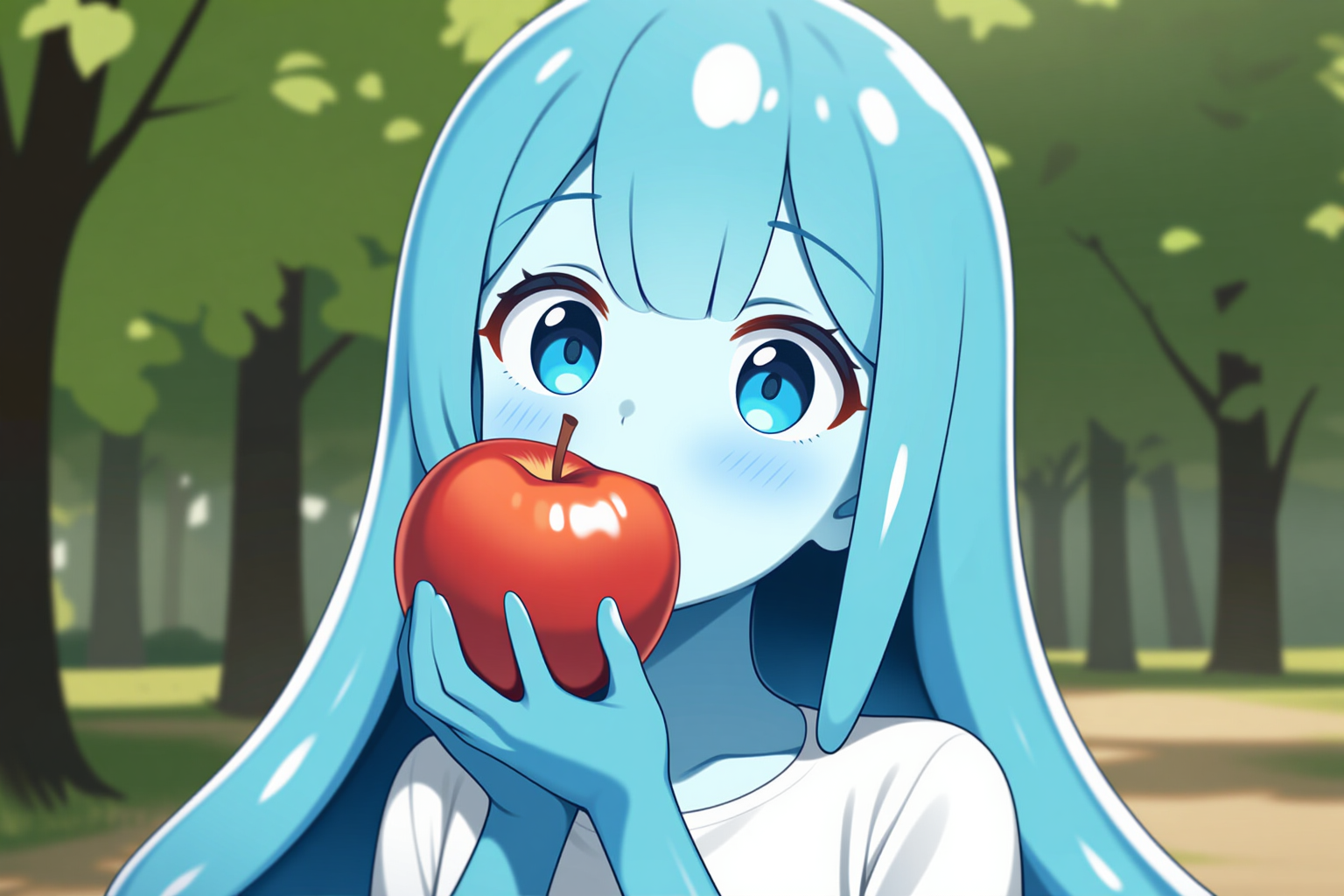
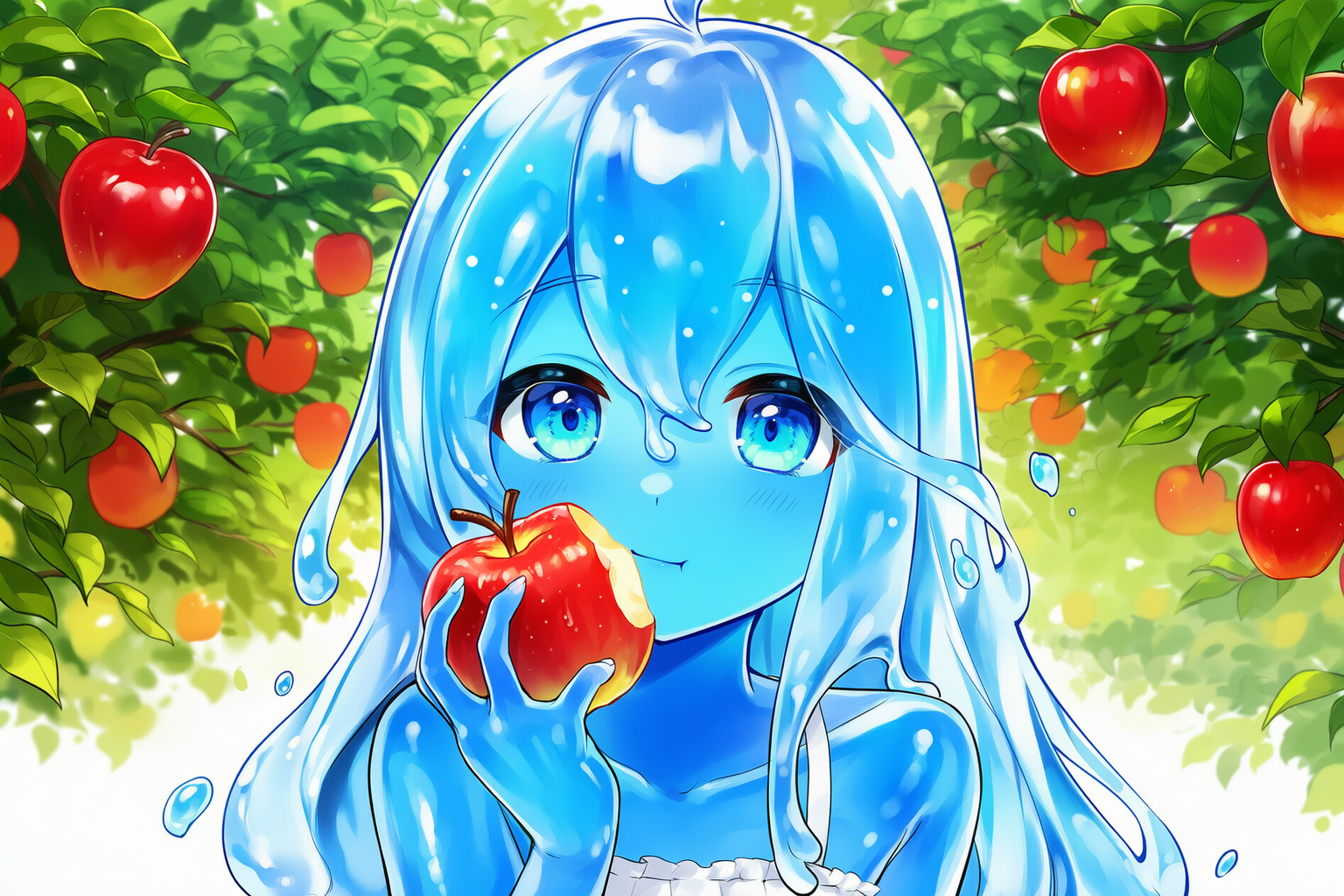
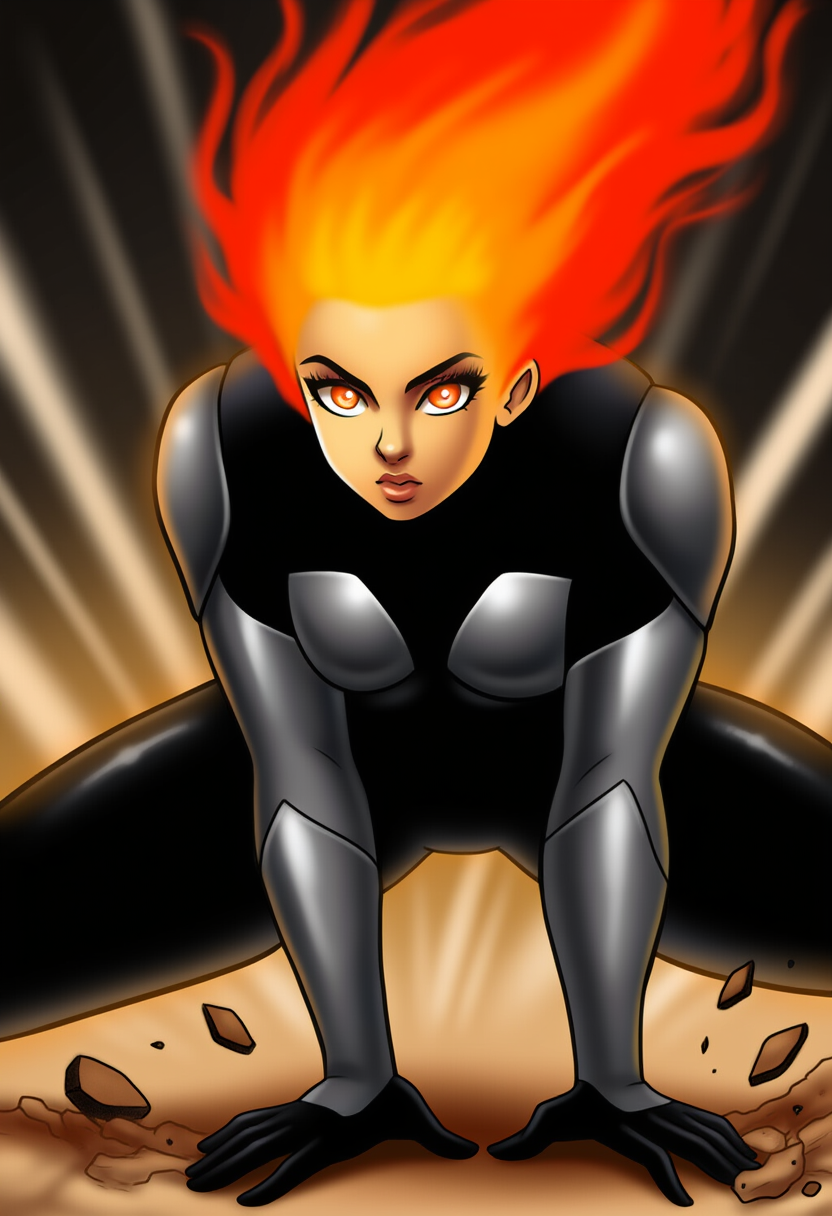
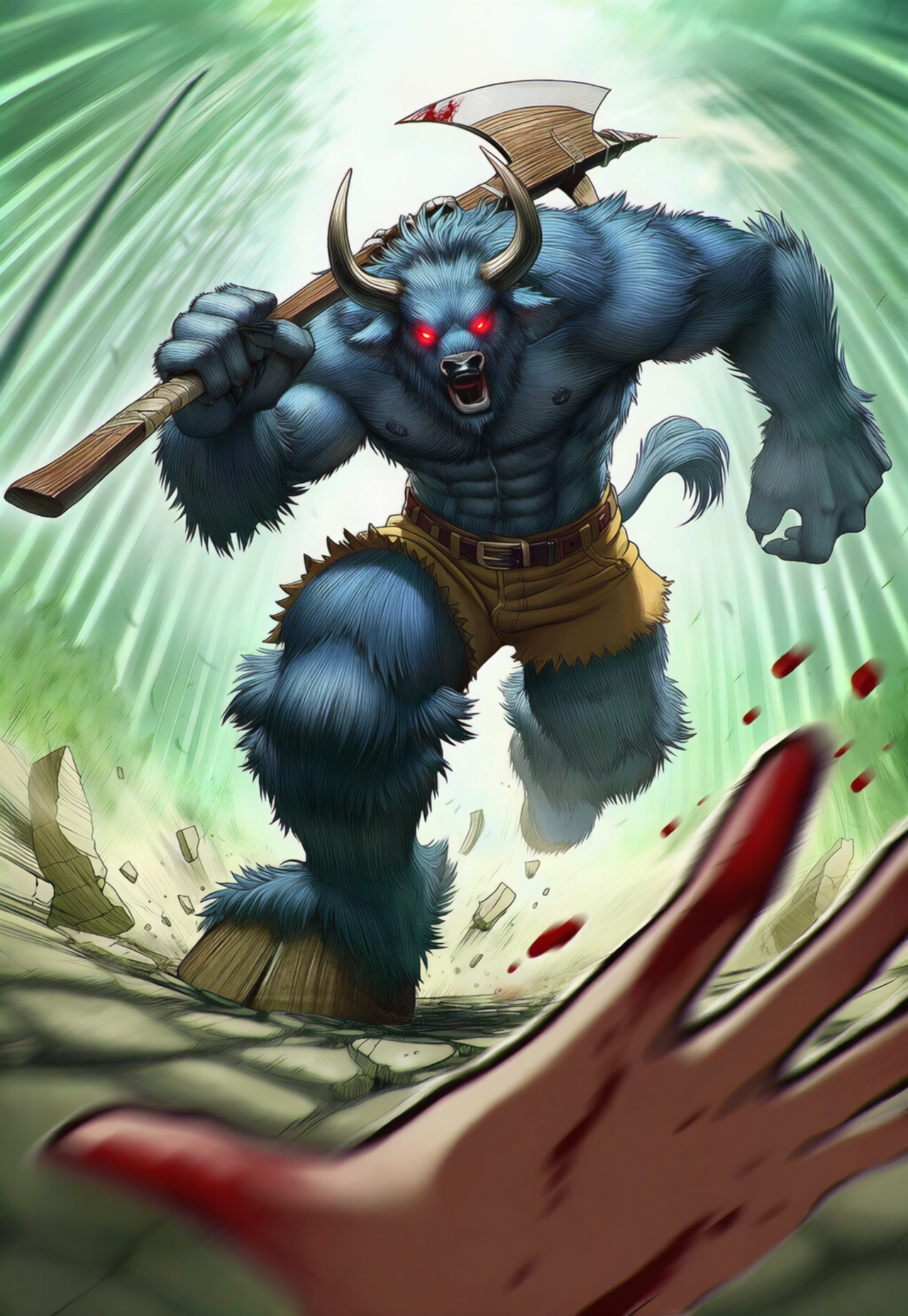
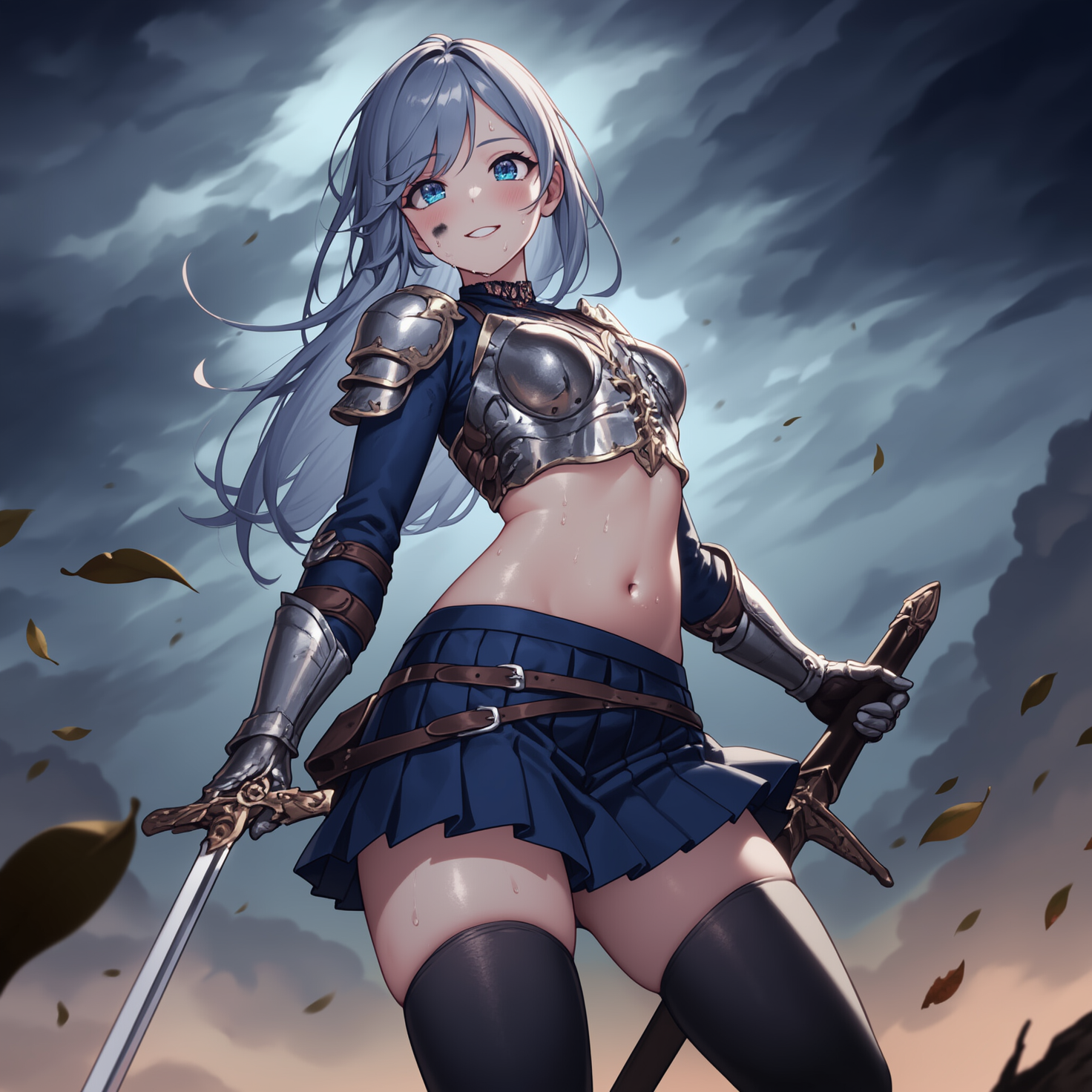
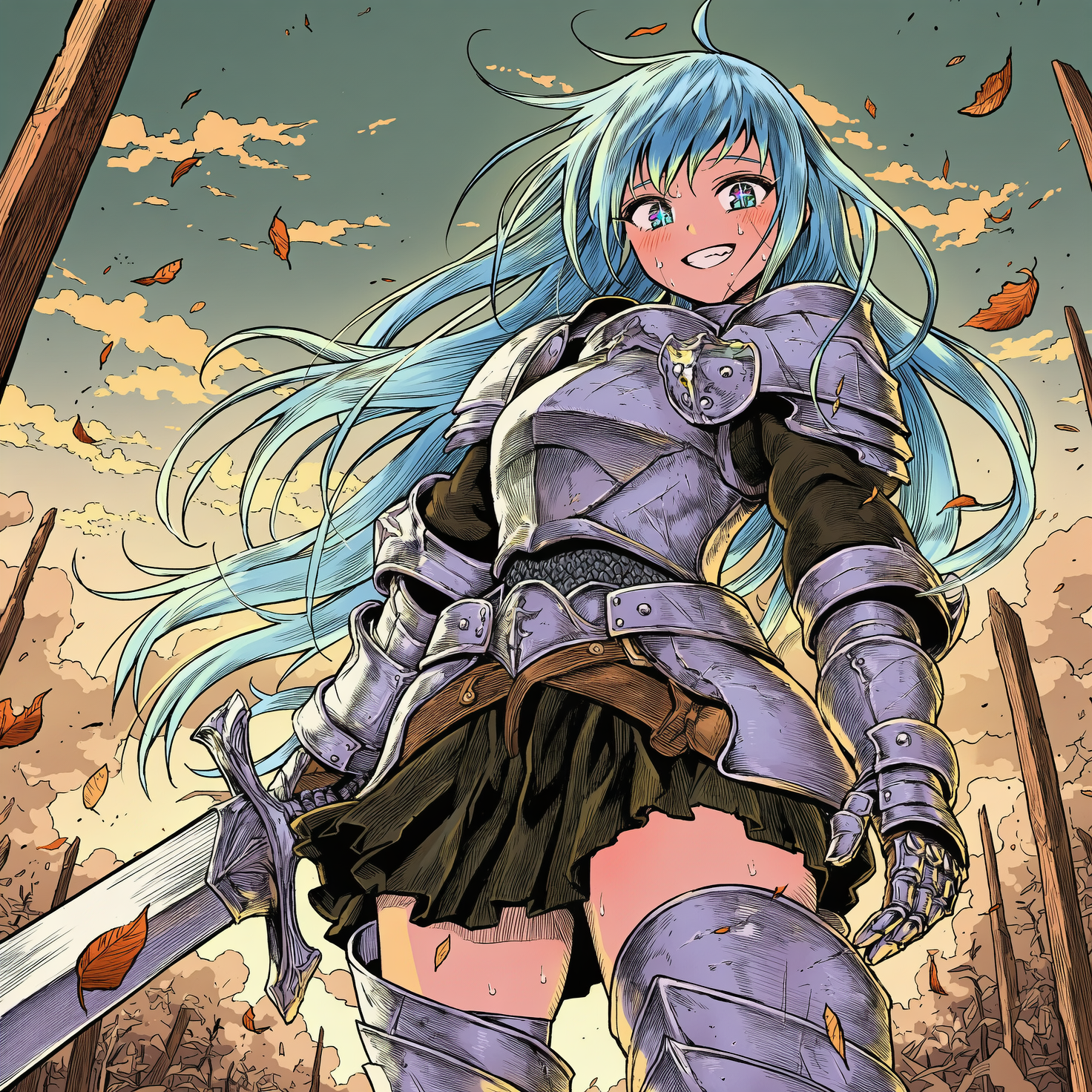
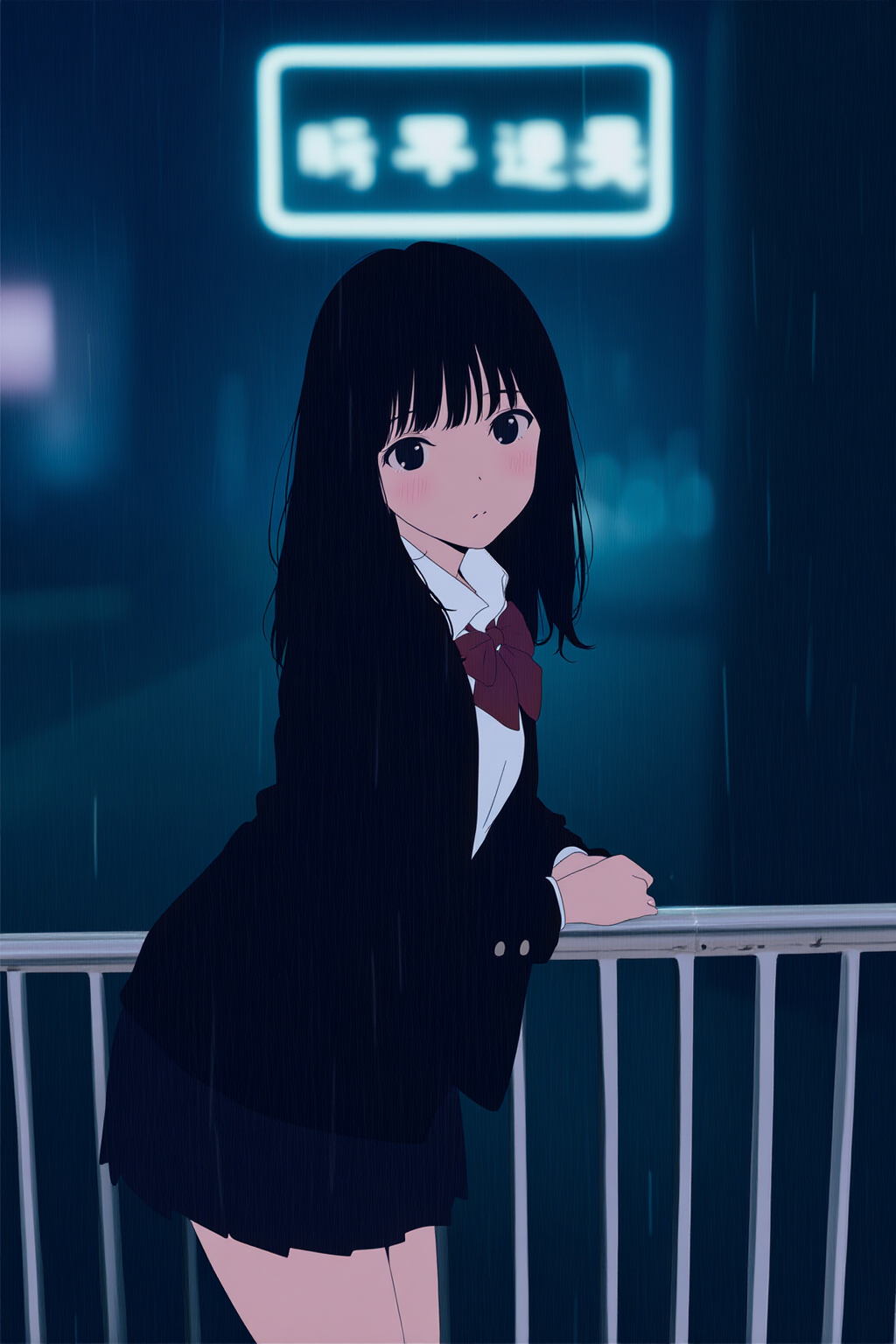
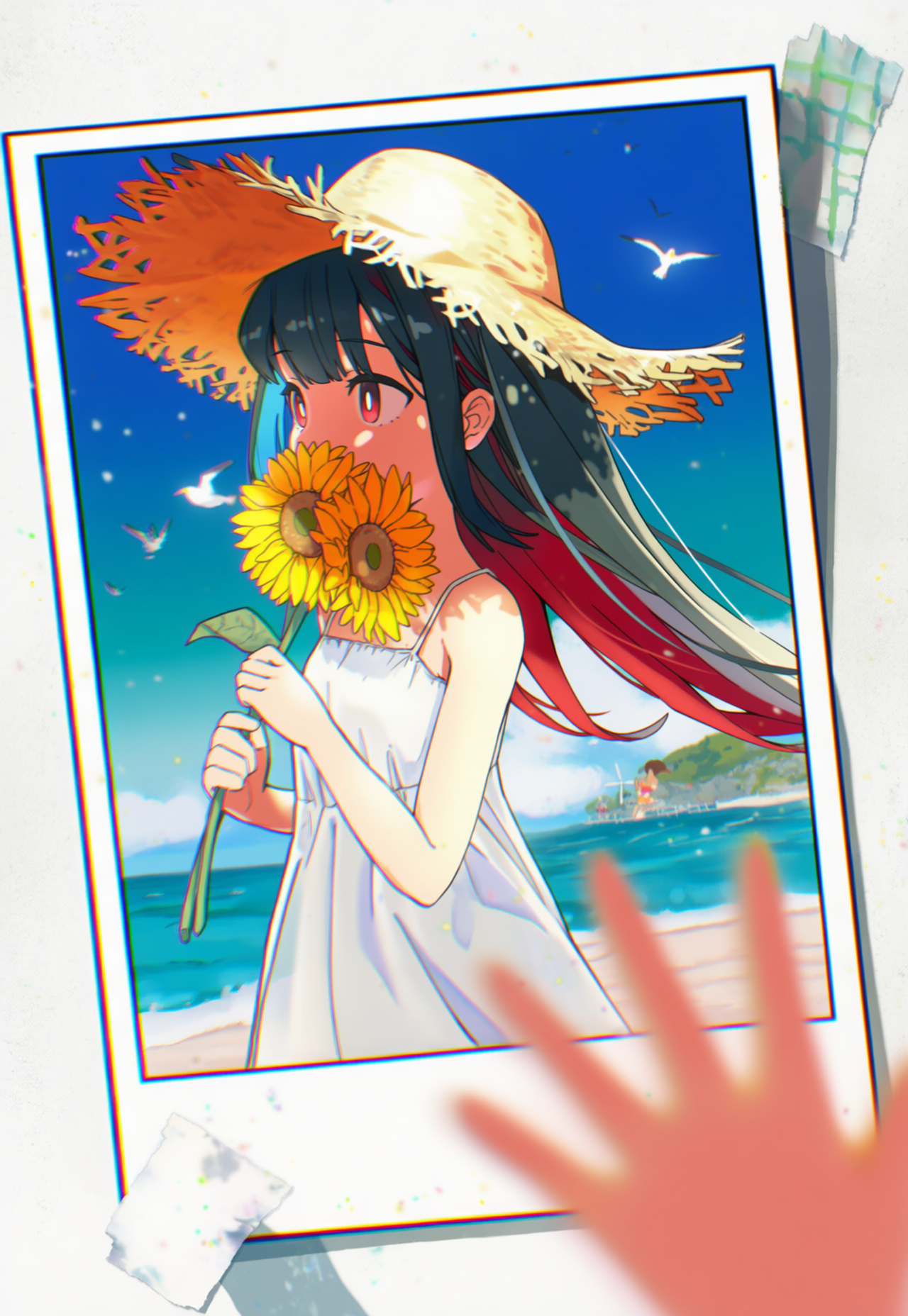
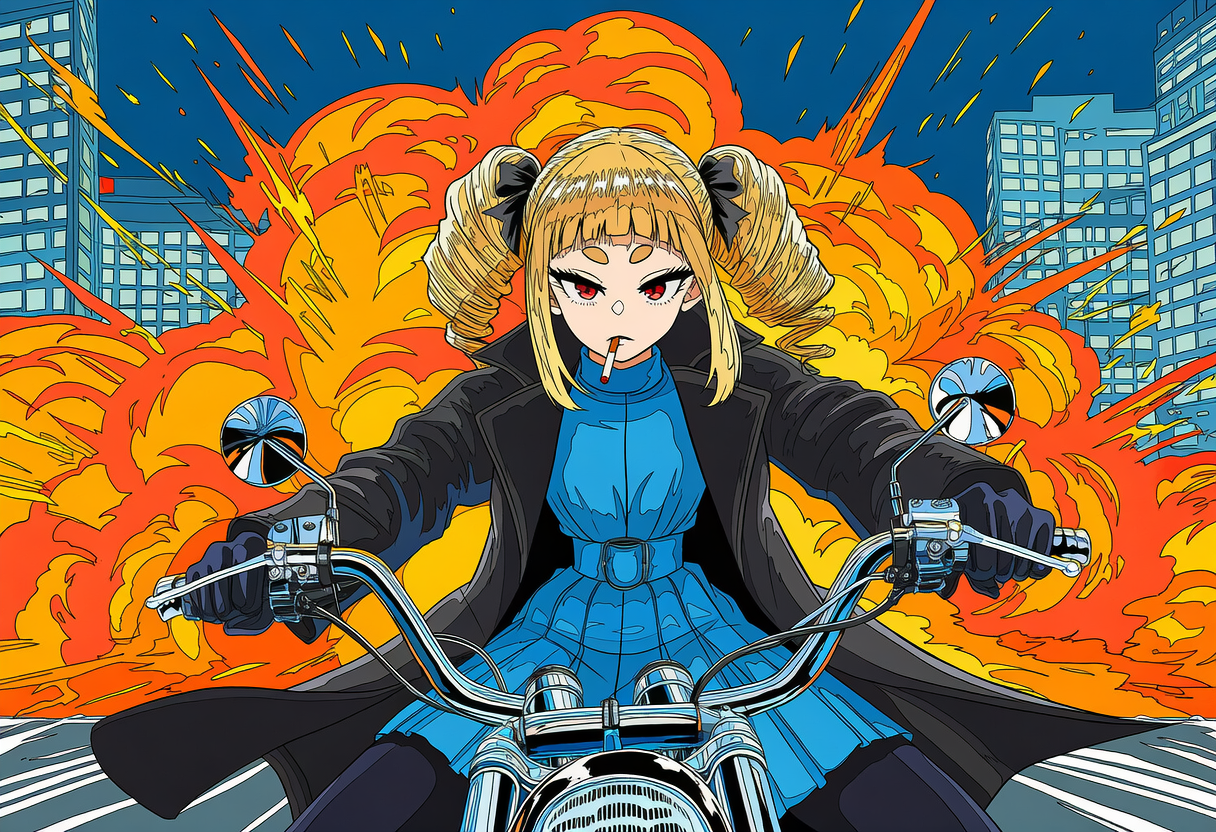
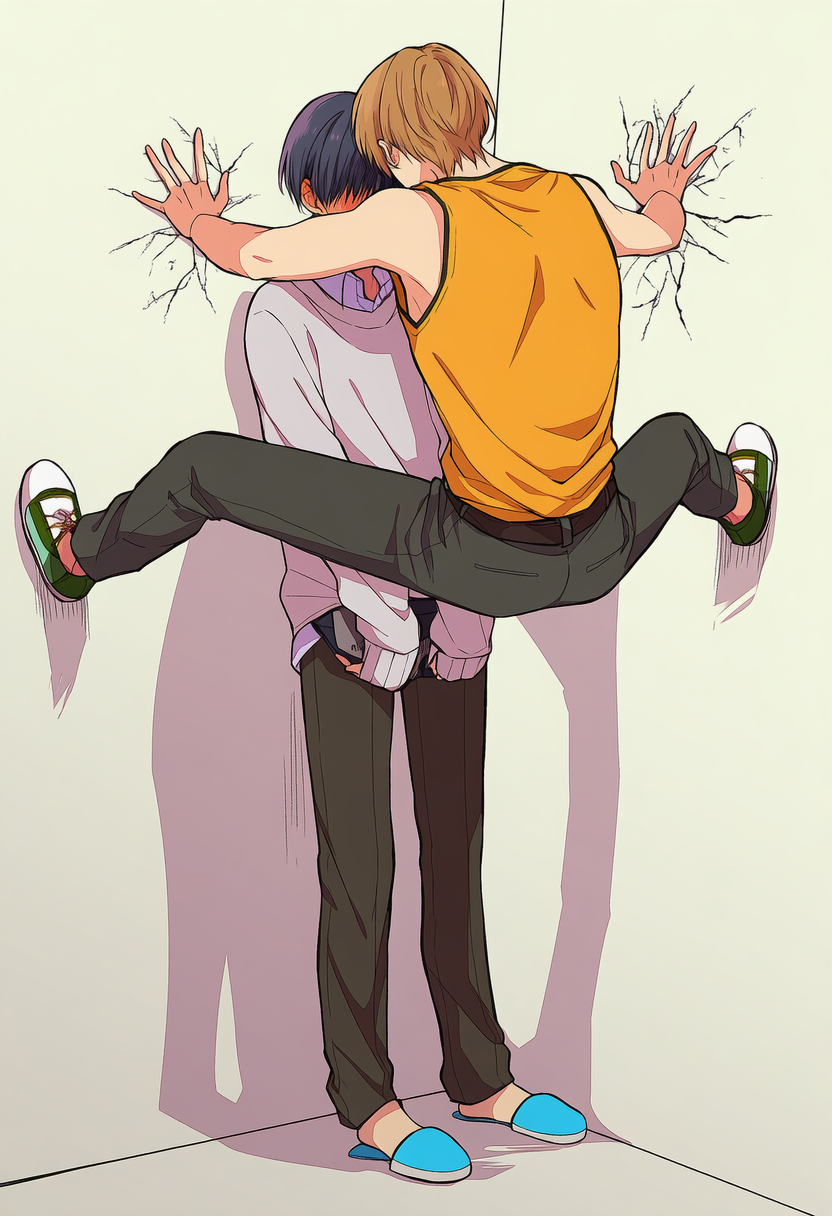
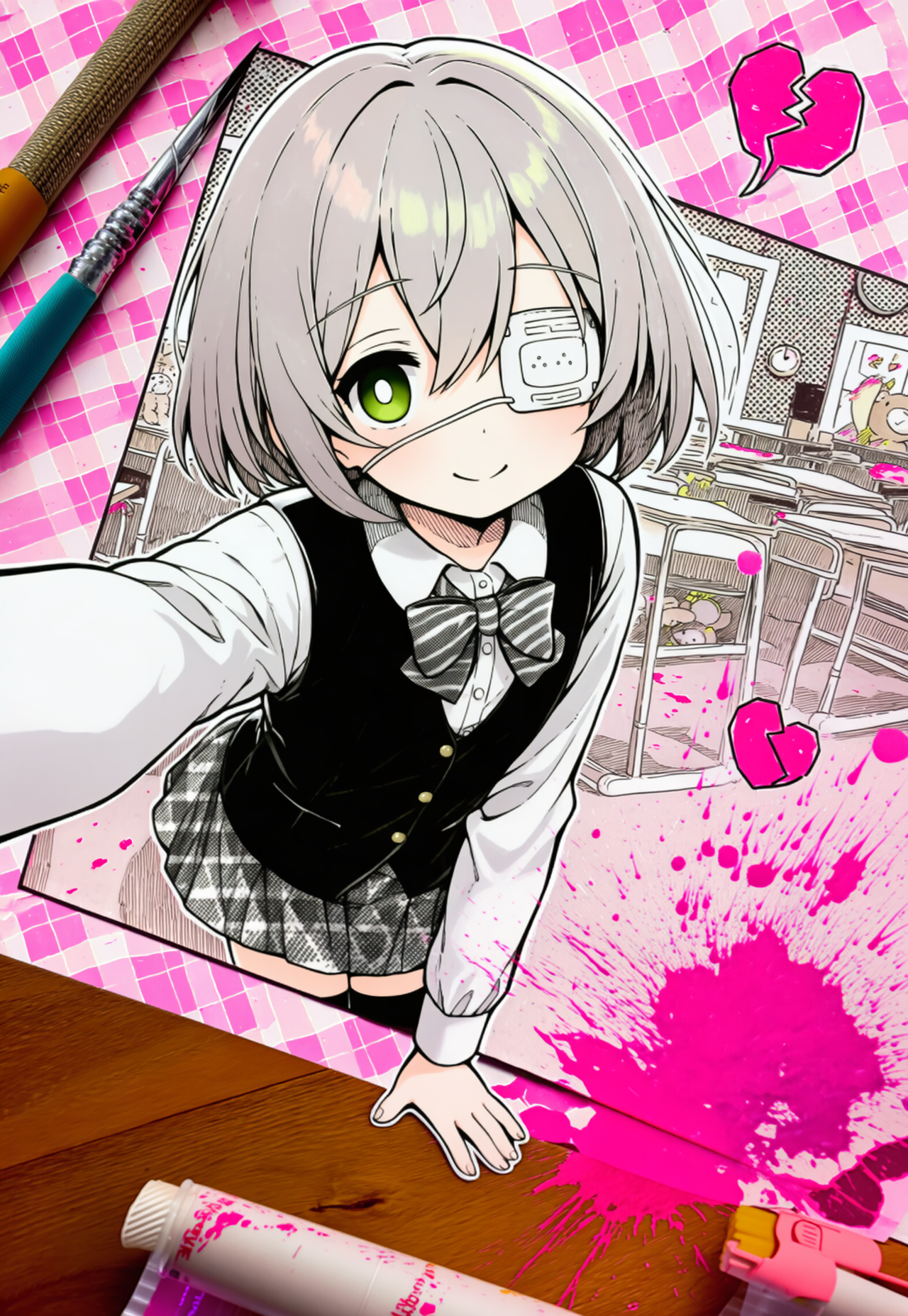
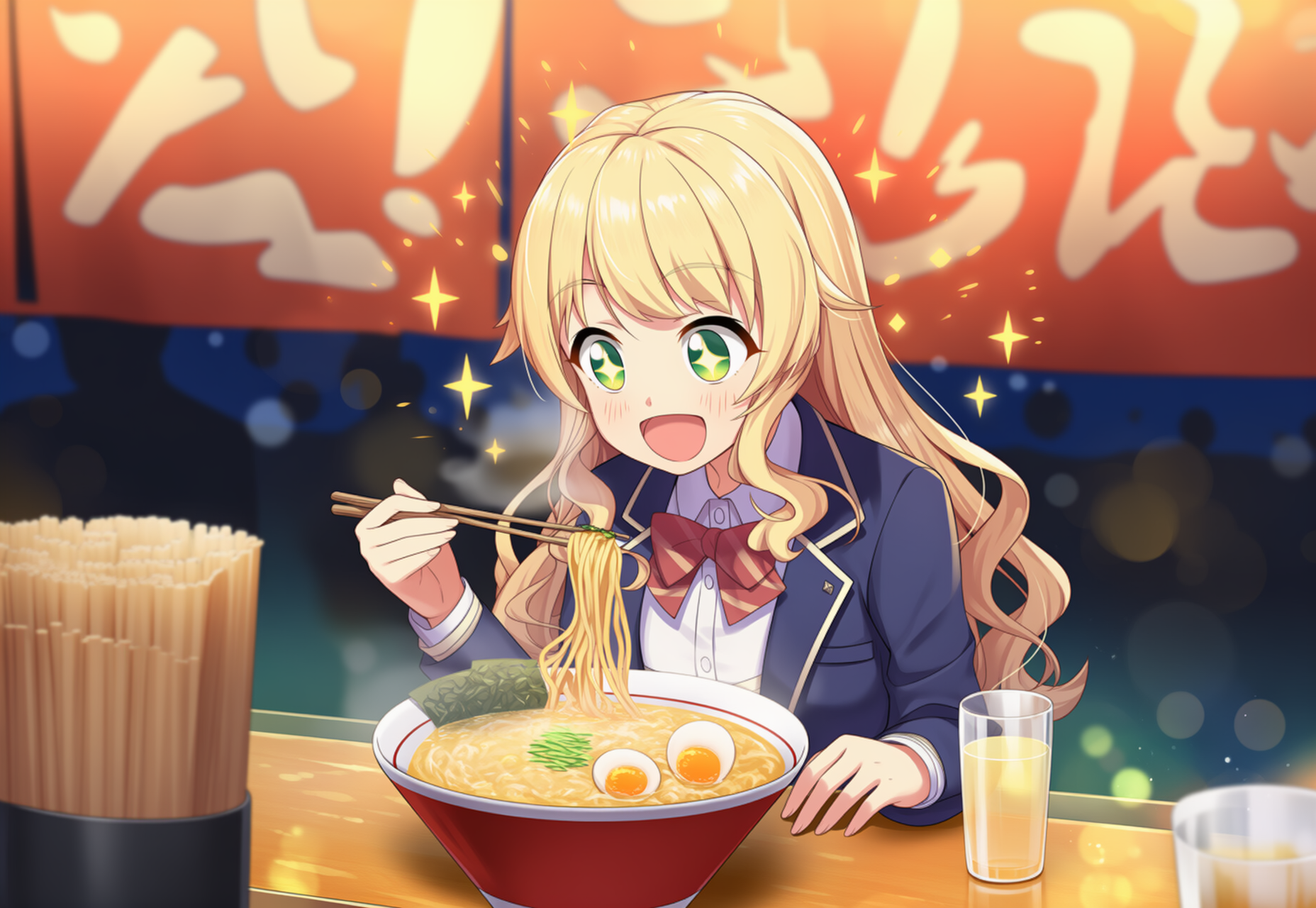
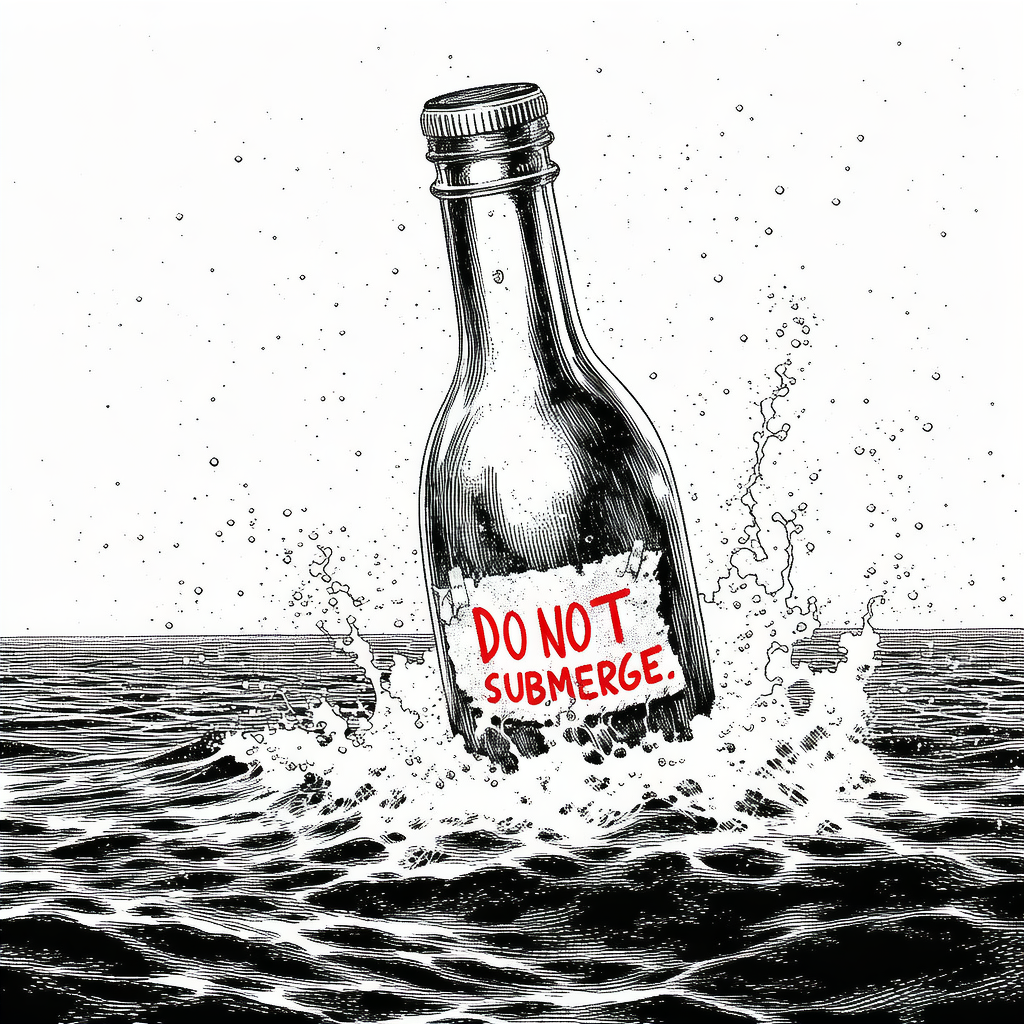
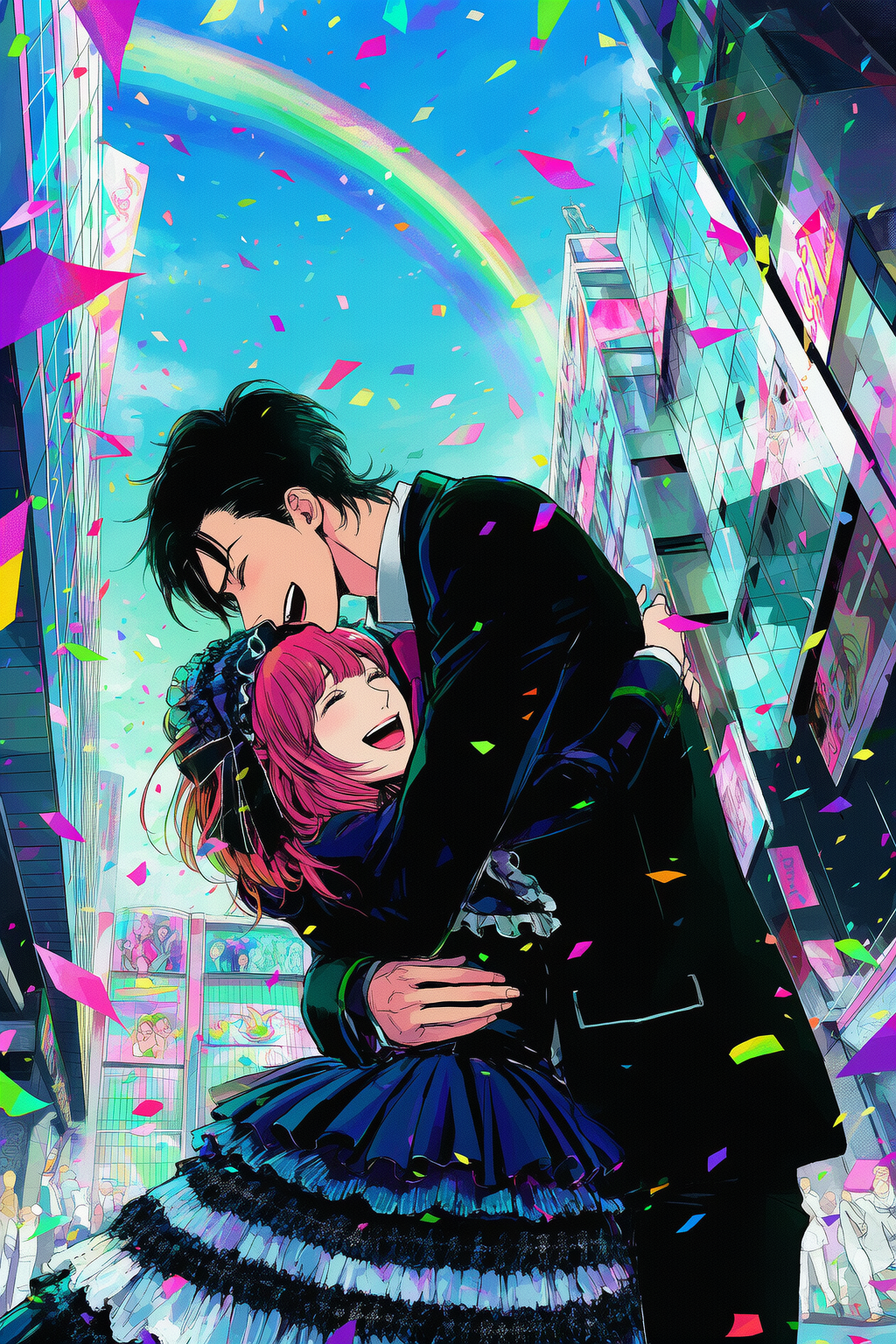
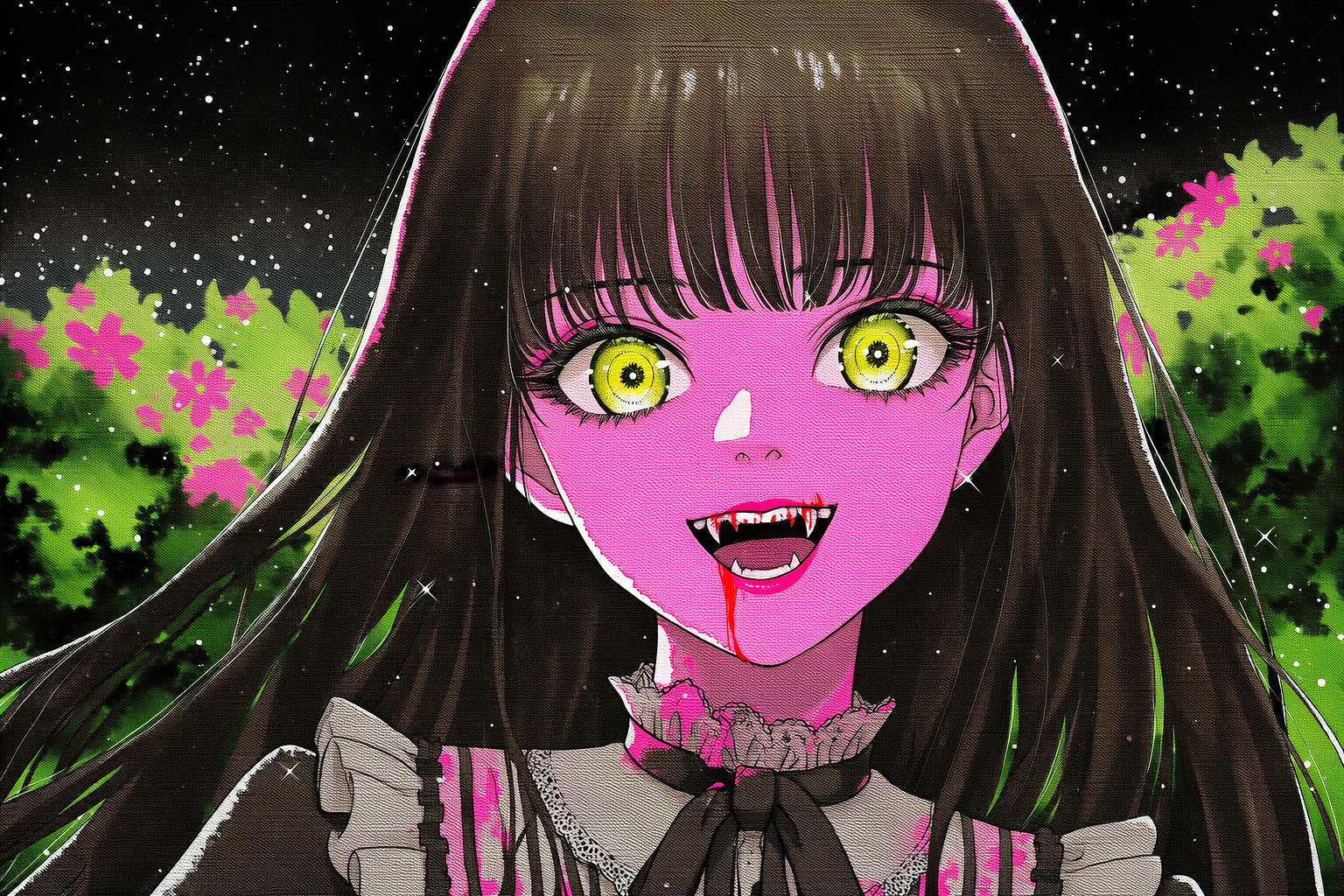
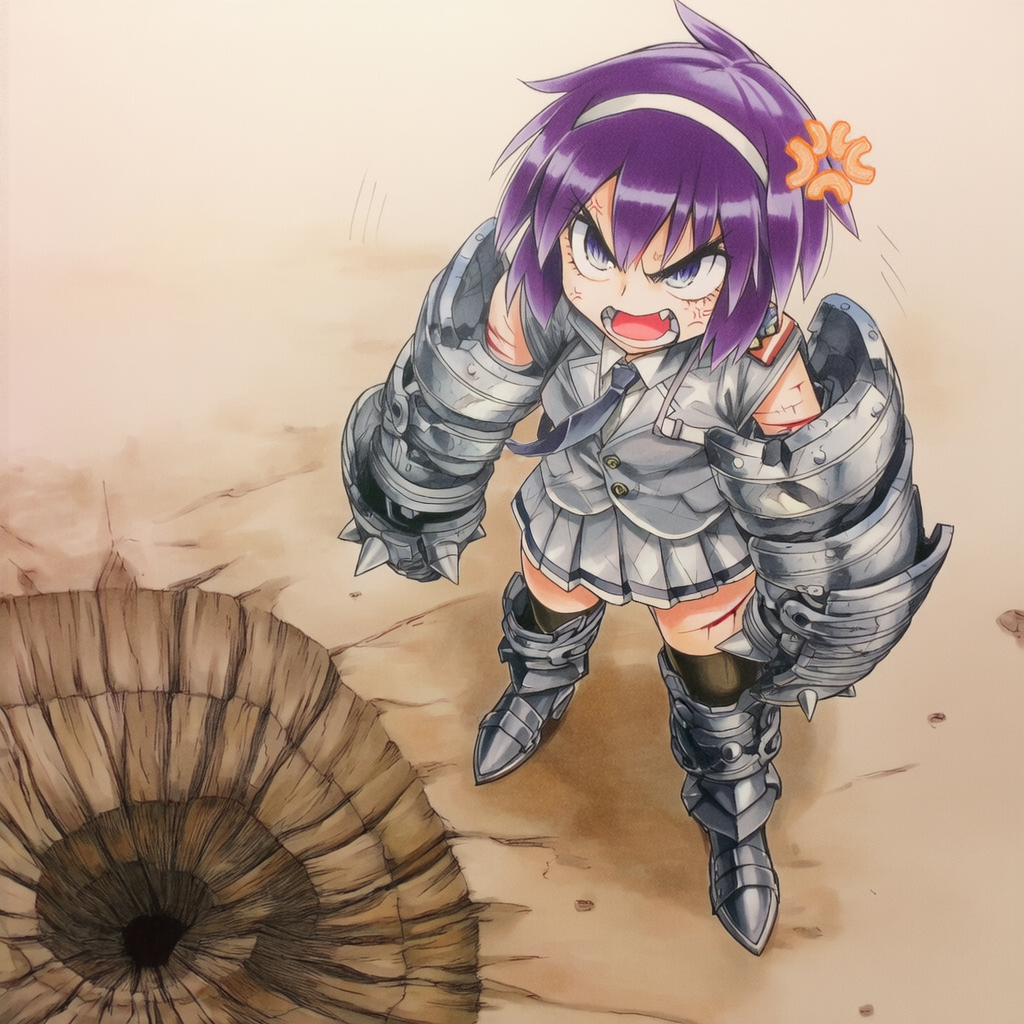
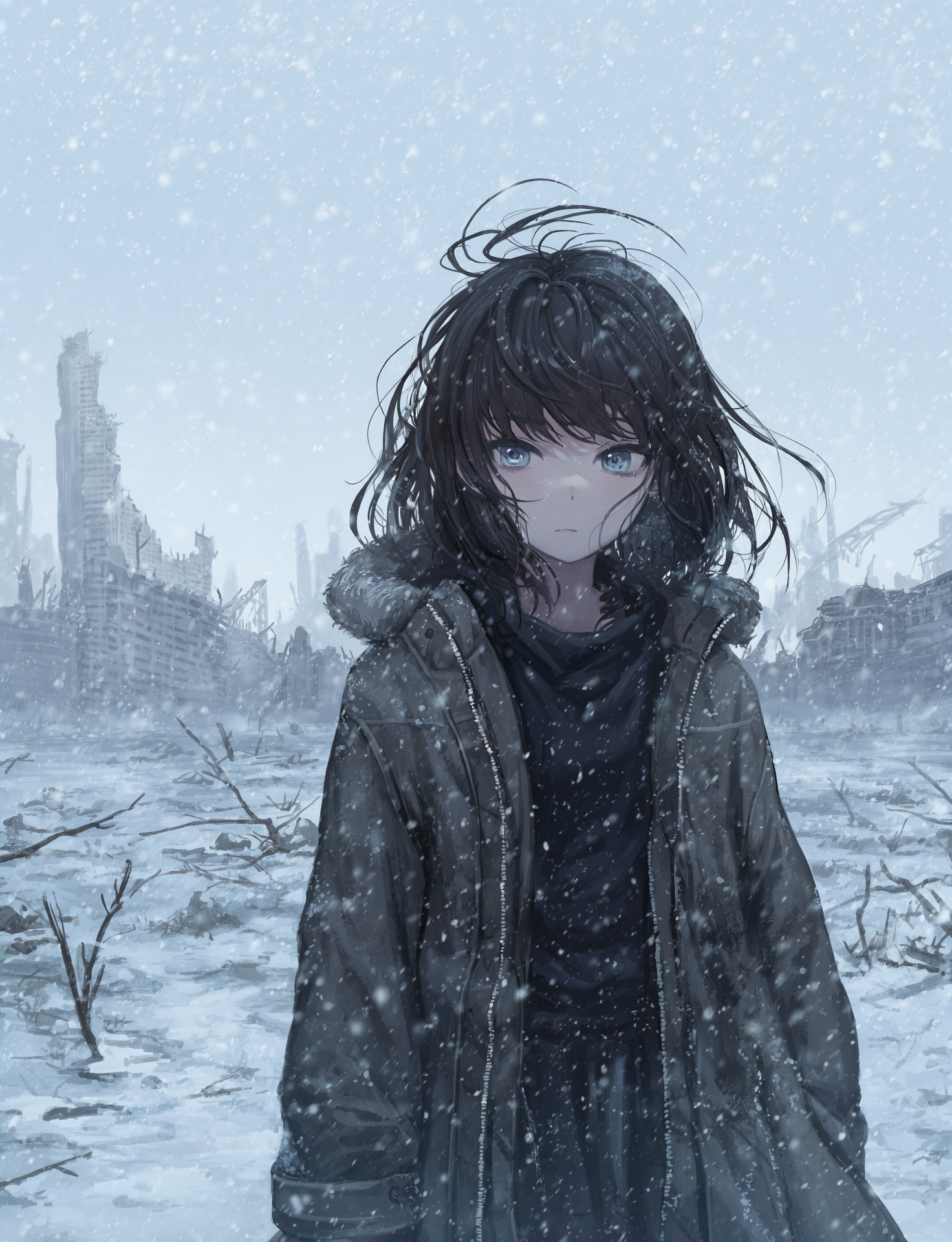
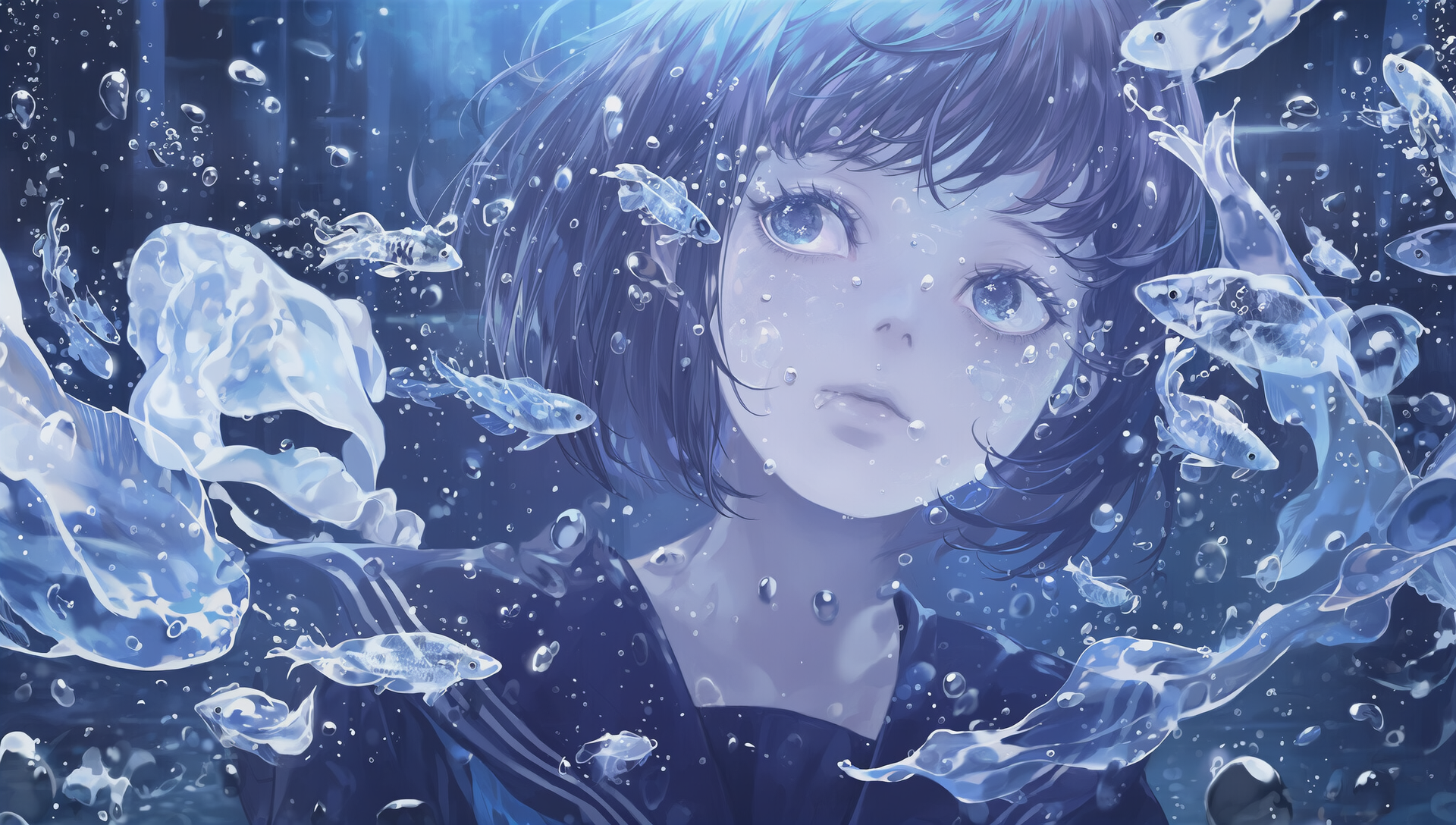
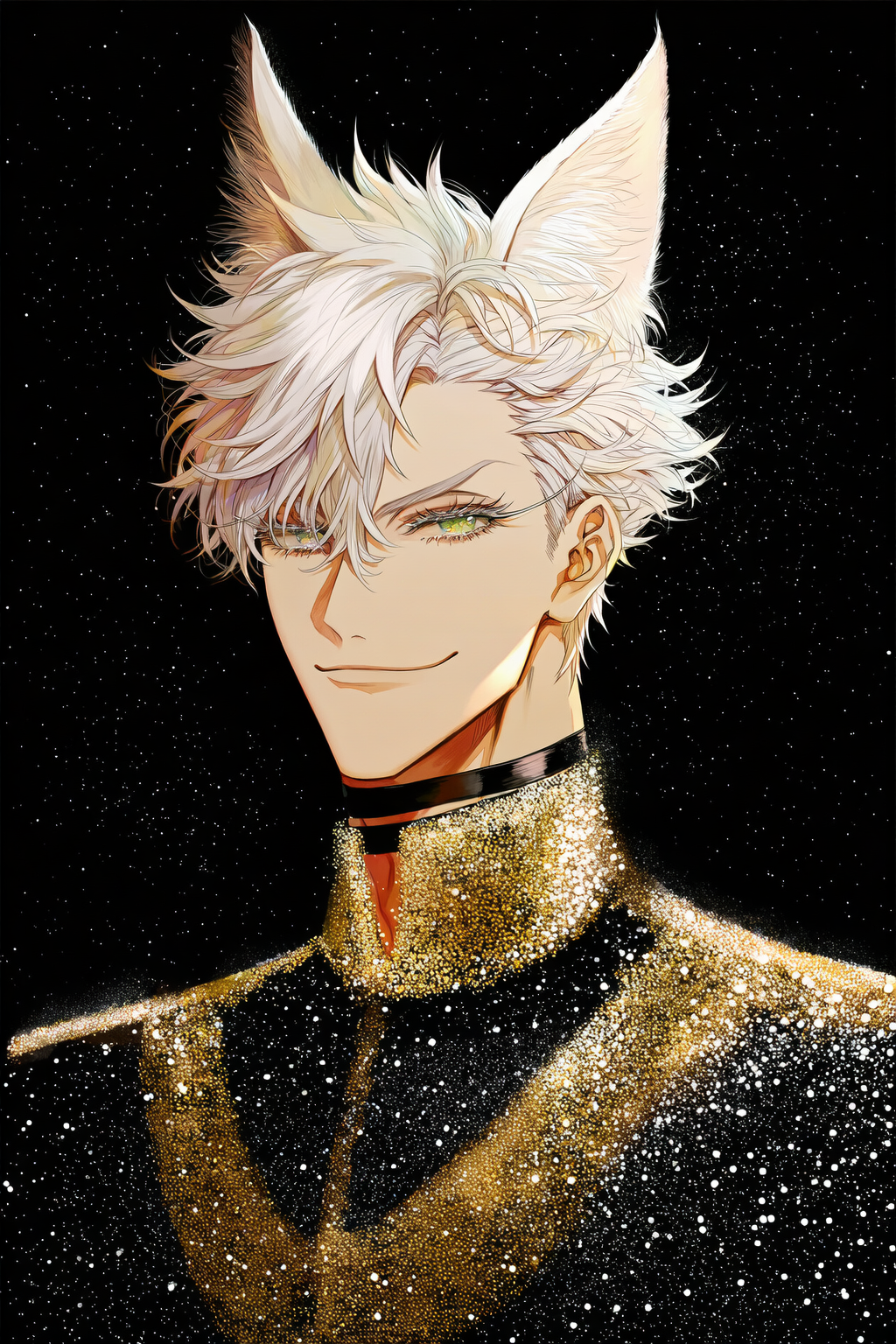
**To get you started with V4.5, be sure to check out this collection of images. They have metadata attached, so you can simply drag and drop them into our image generation page to import the prompts and settings and generate your own!
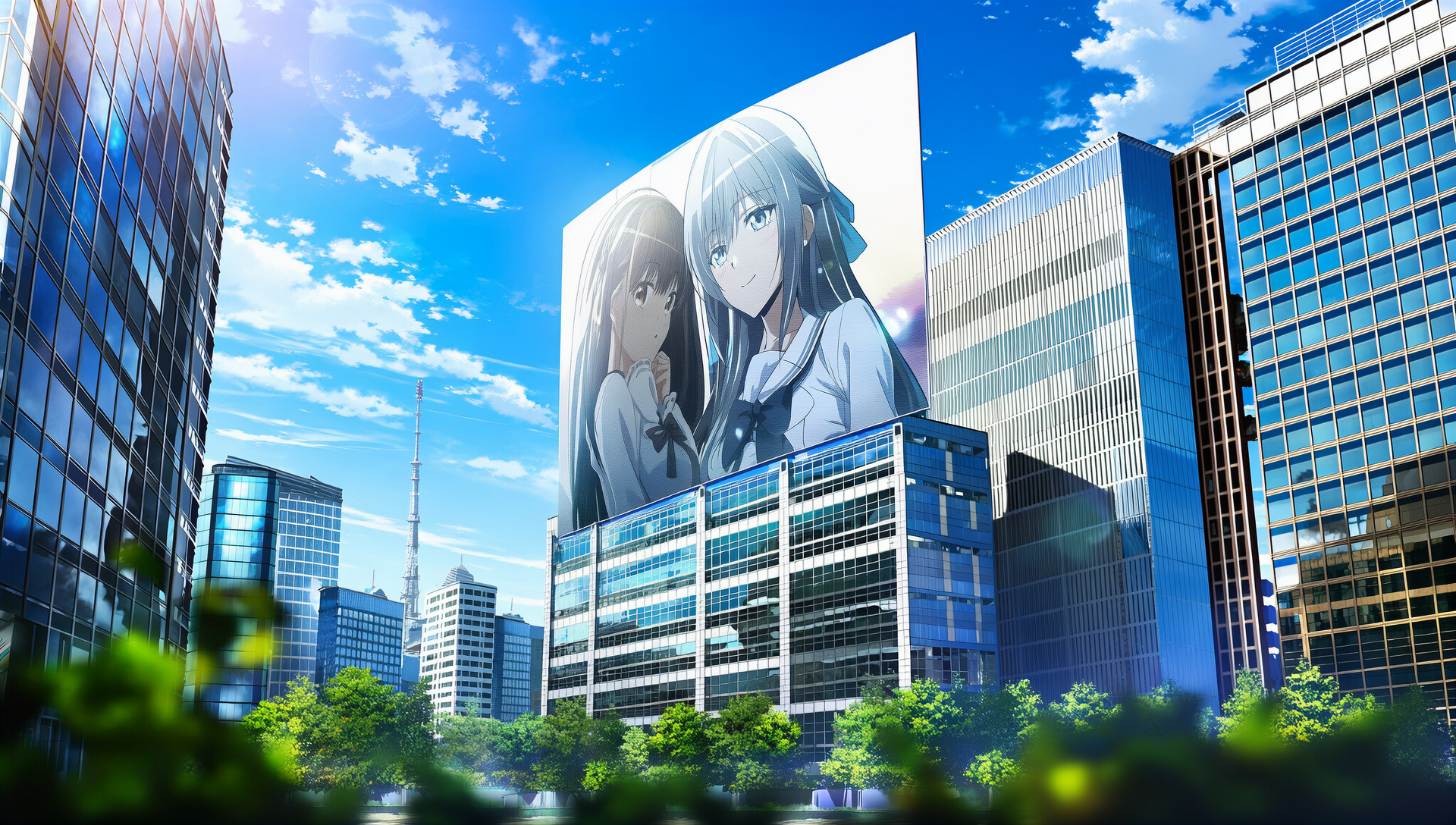
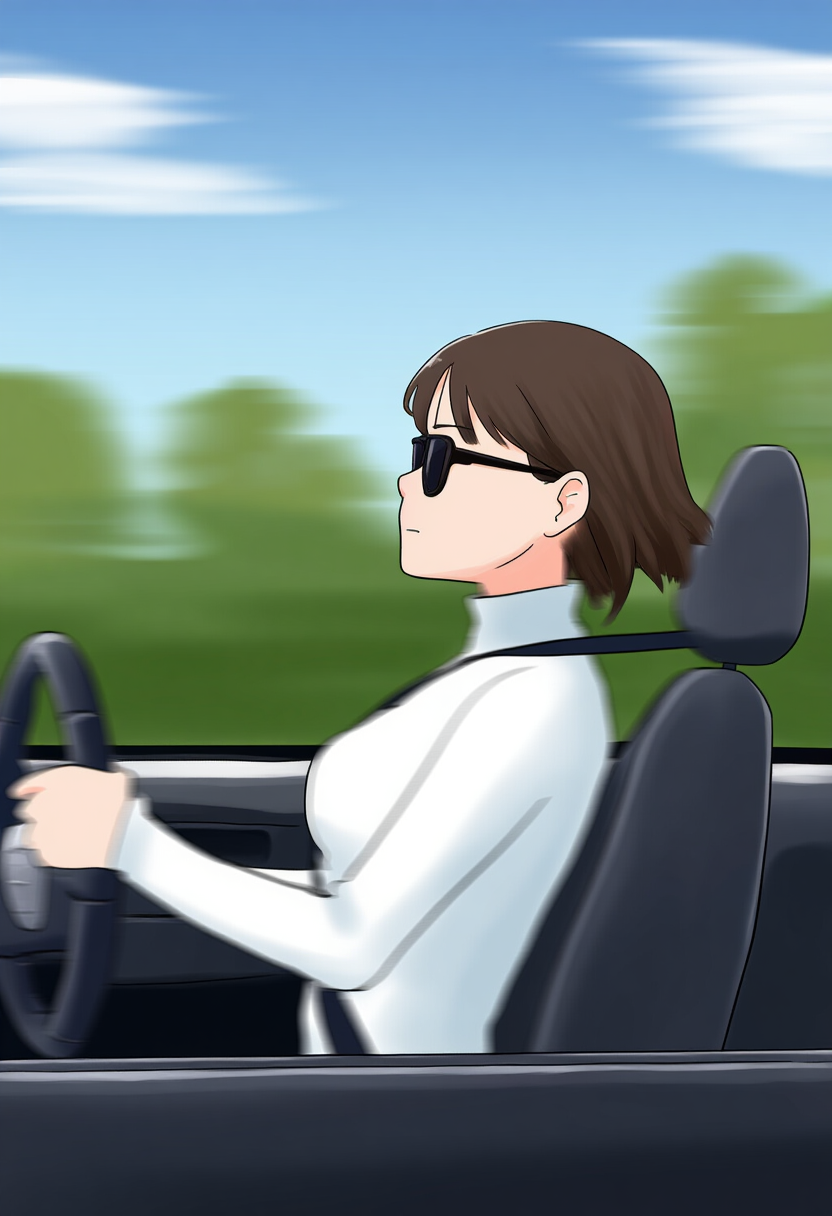
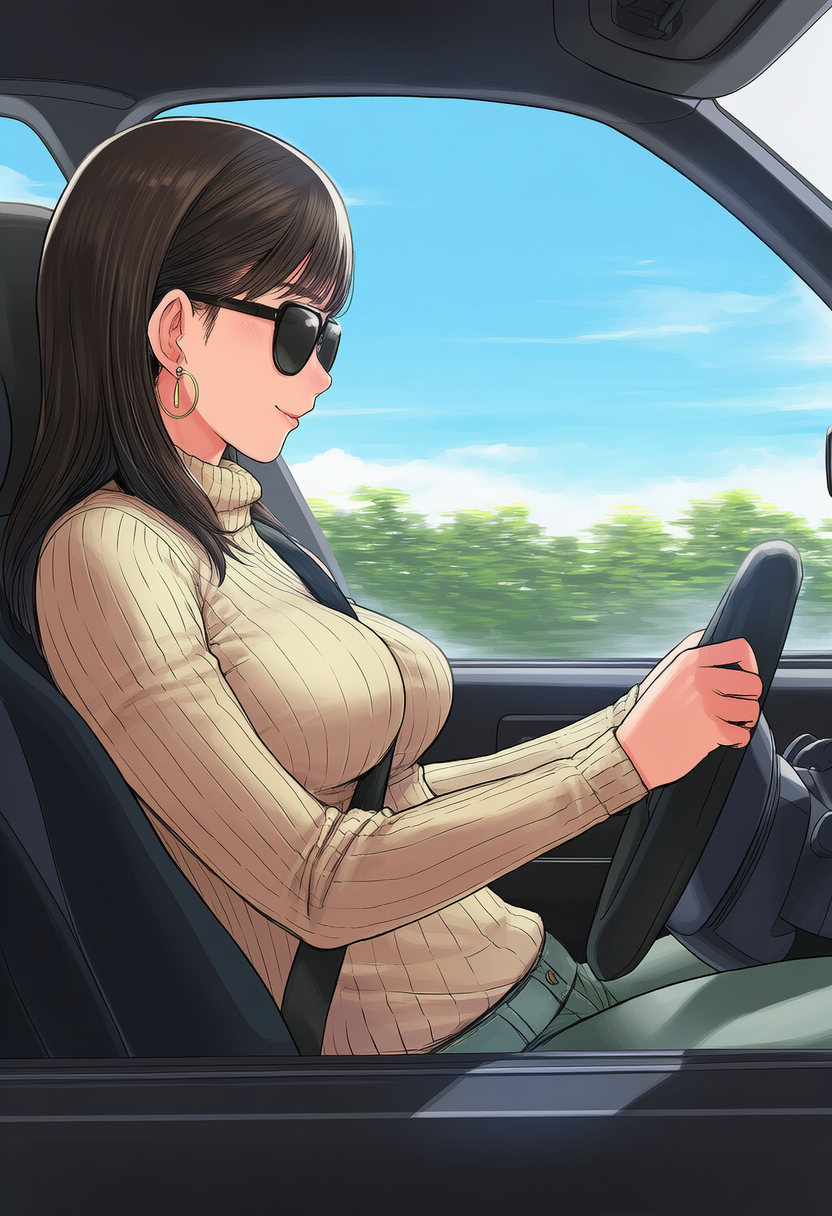
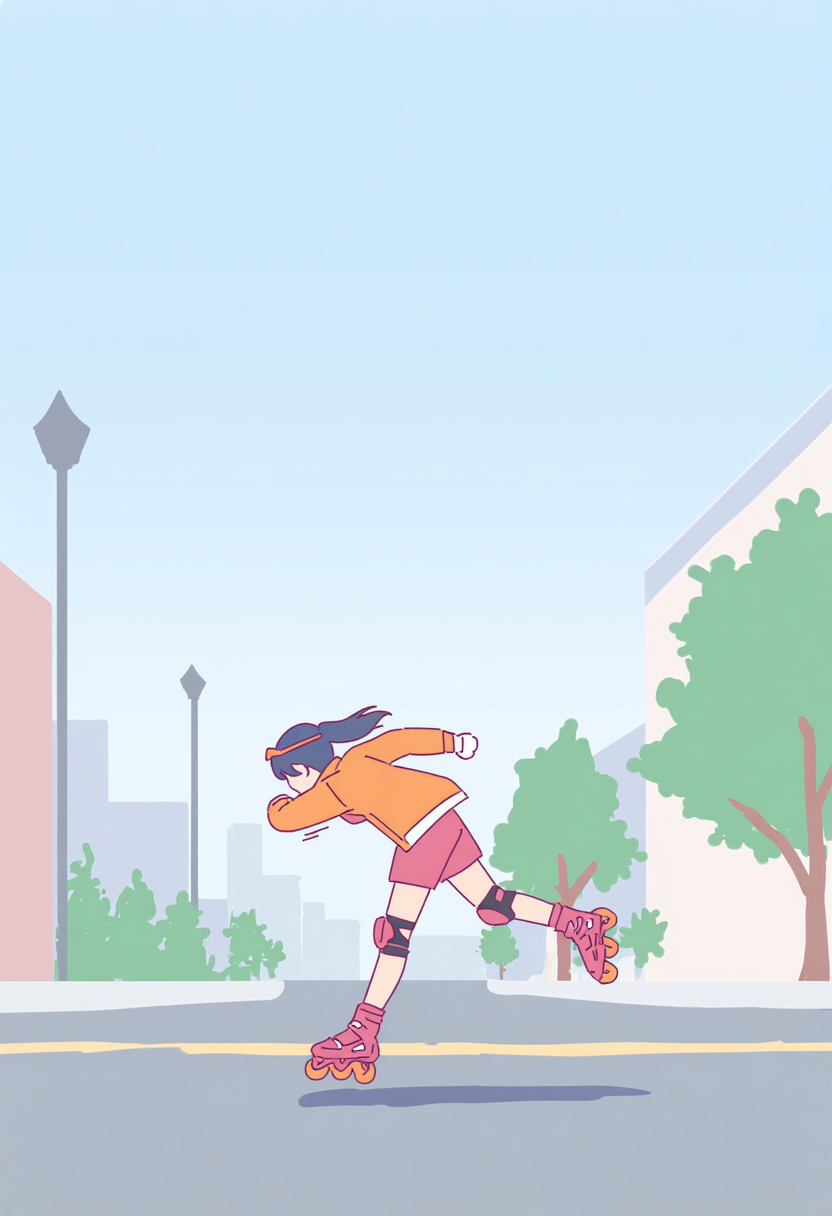
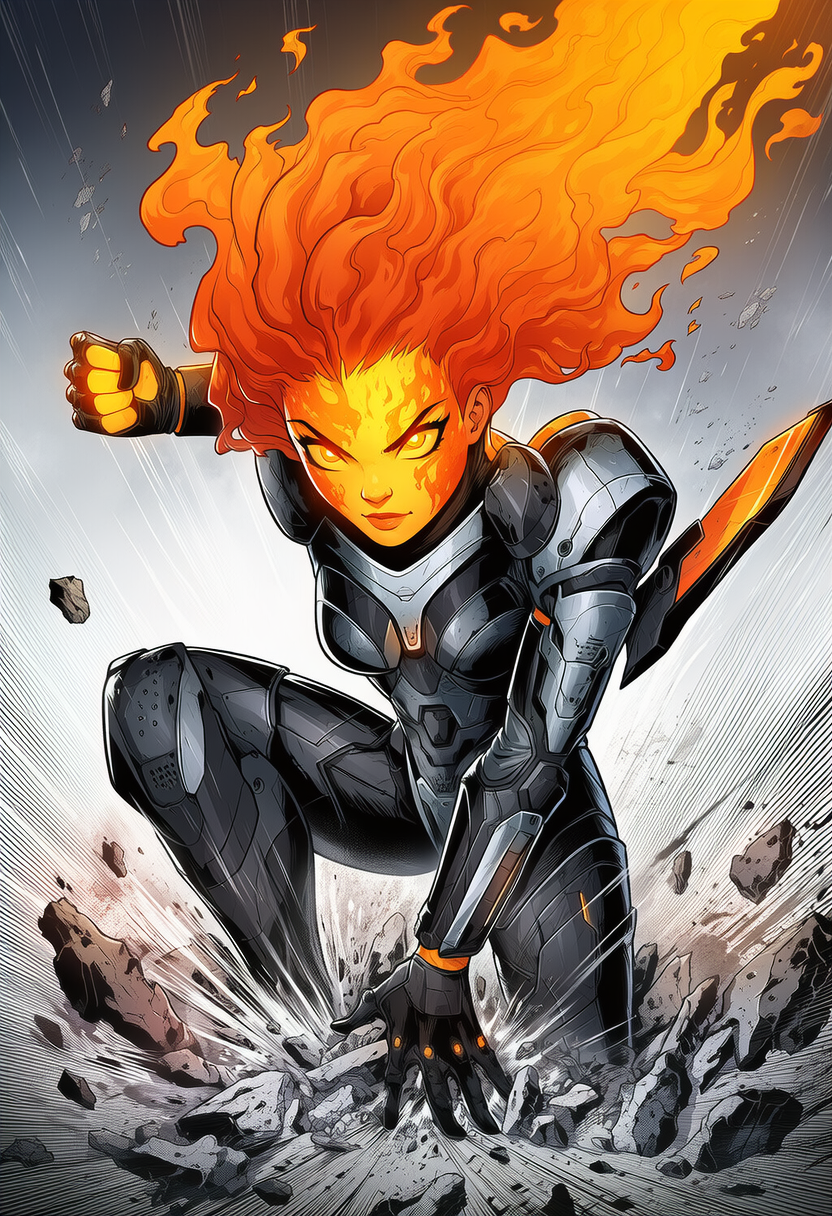
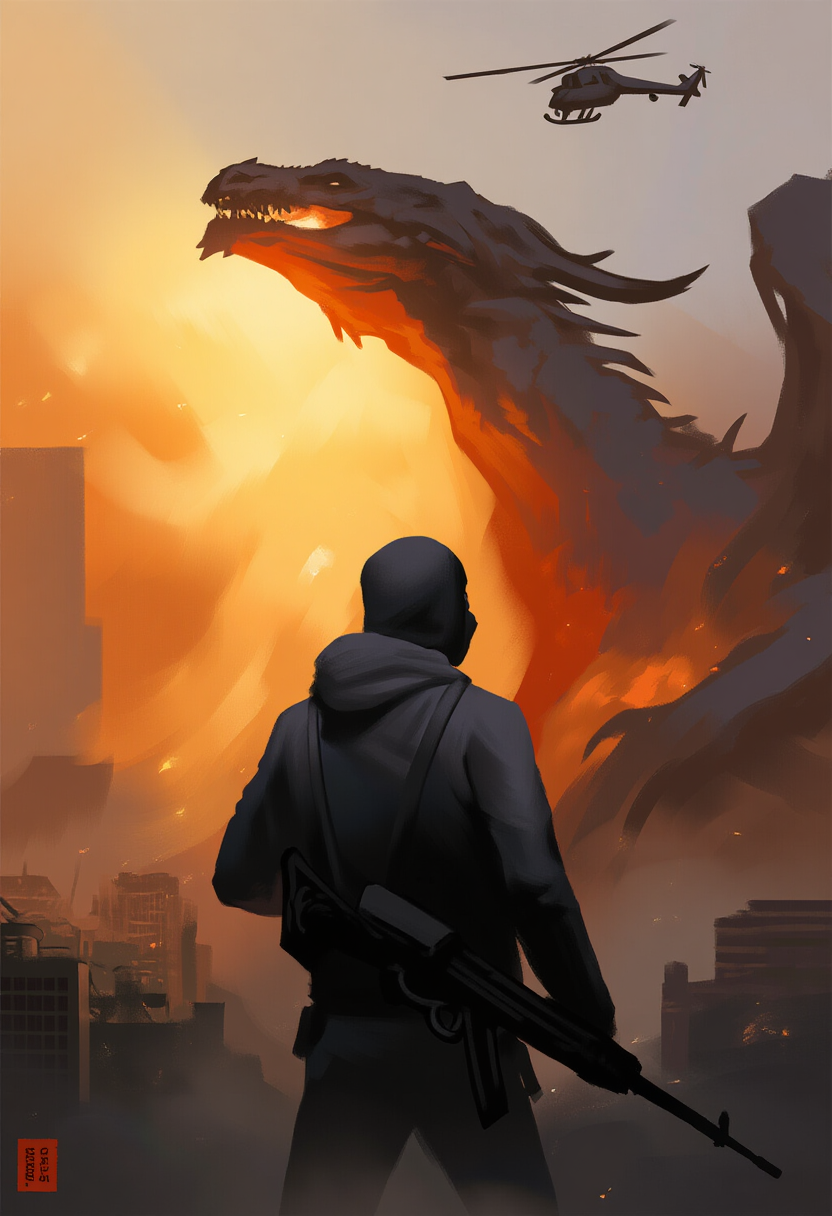
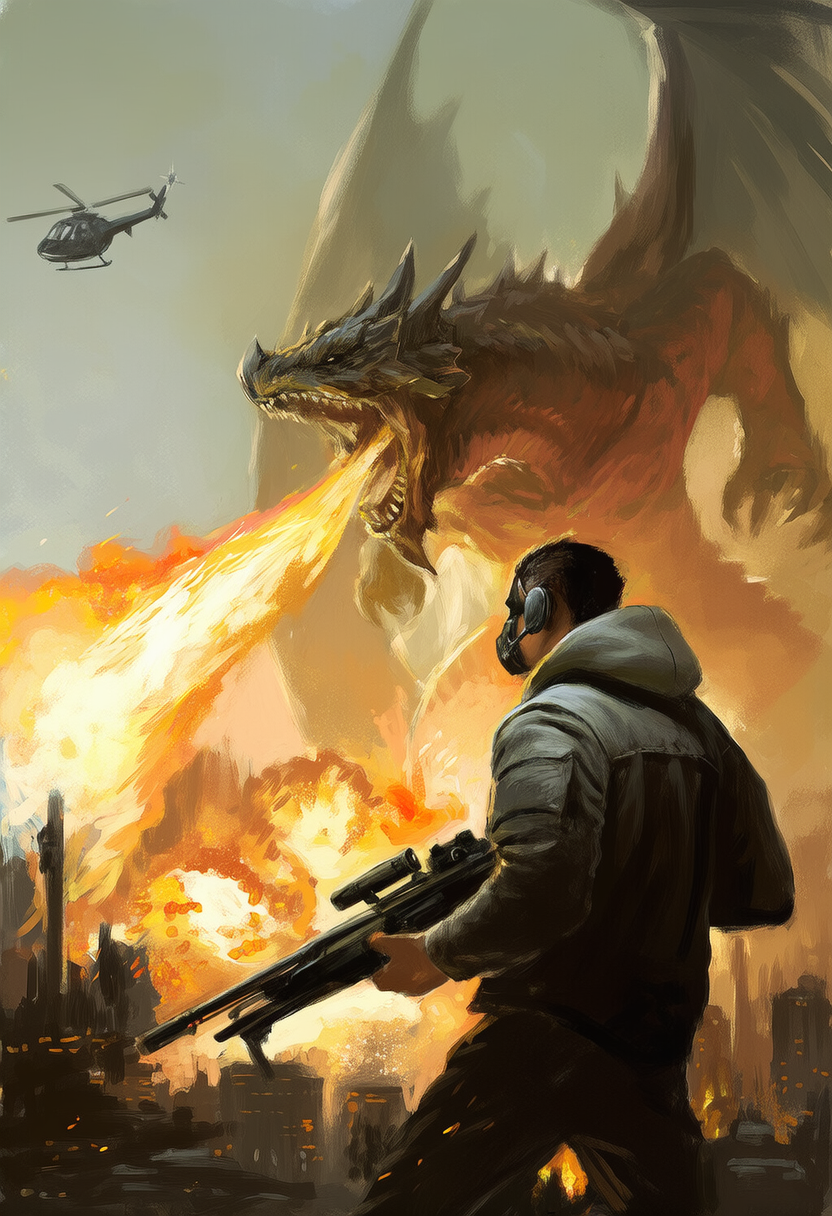
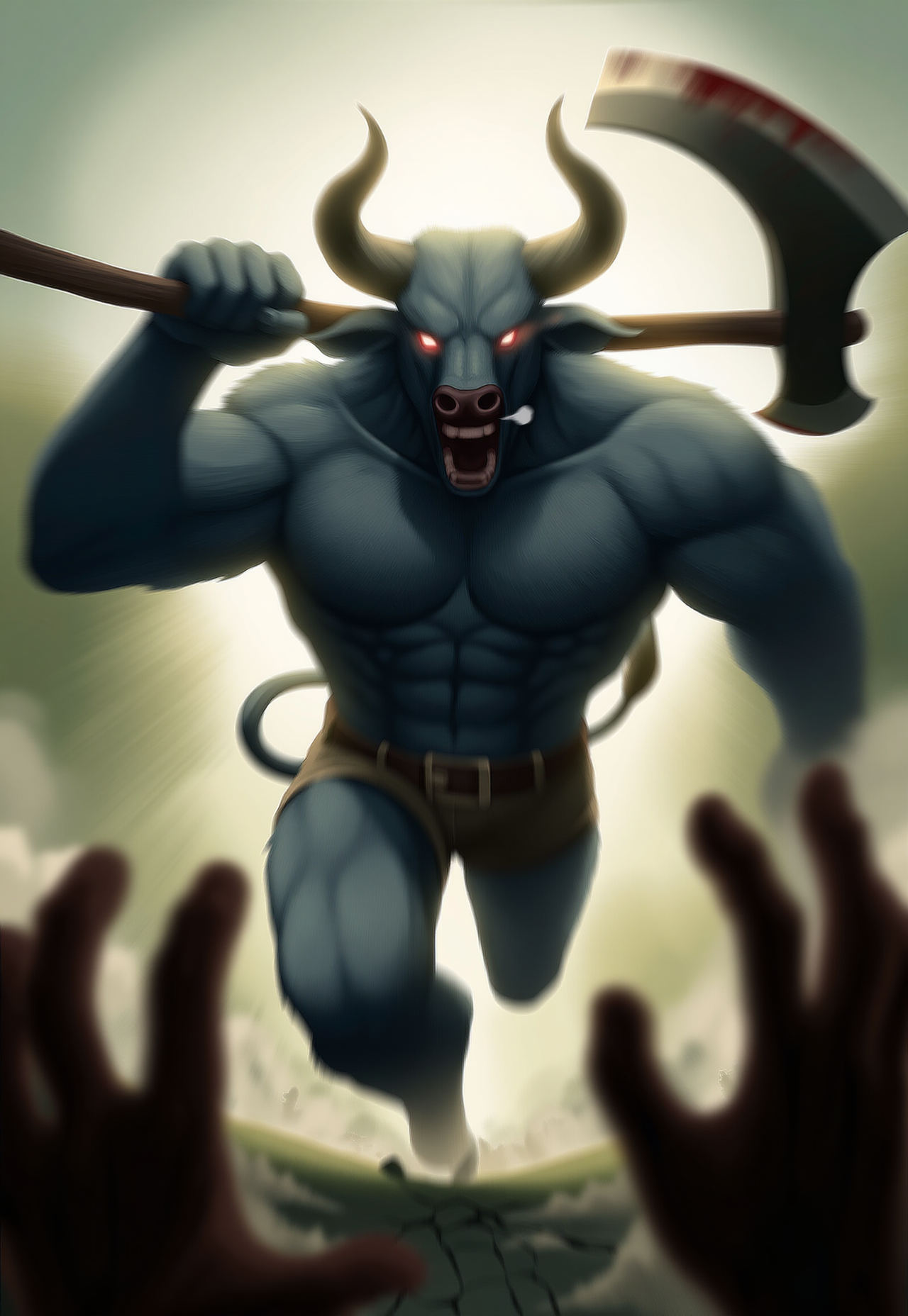
Here are some neat comparison images between NovelAIDiffusion V4 and V4.5:
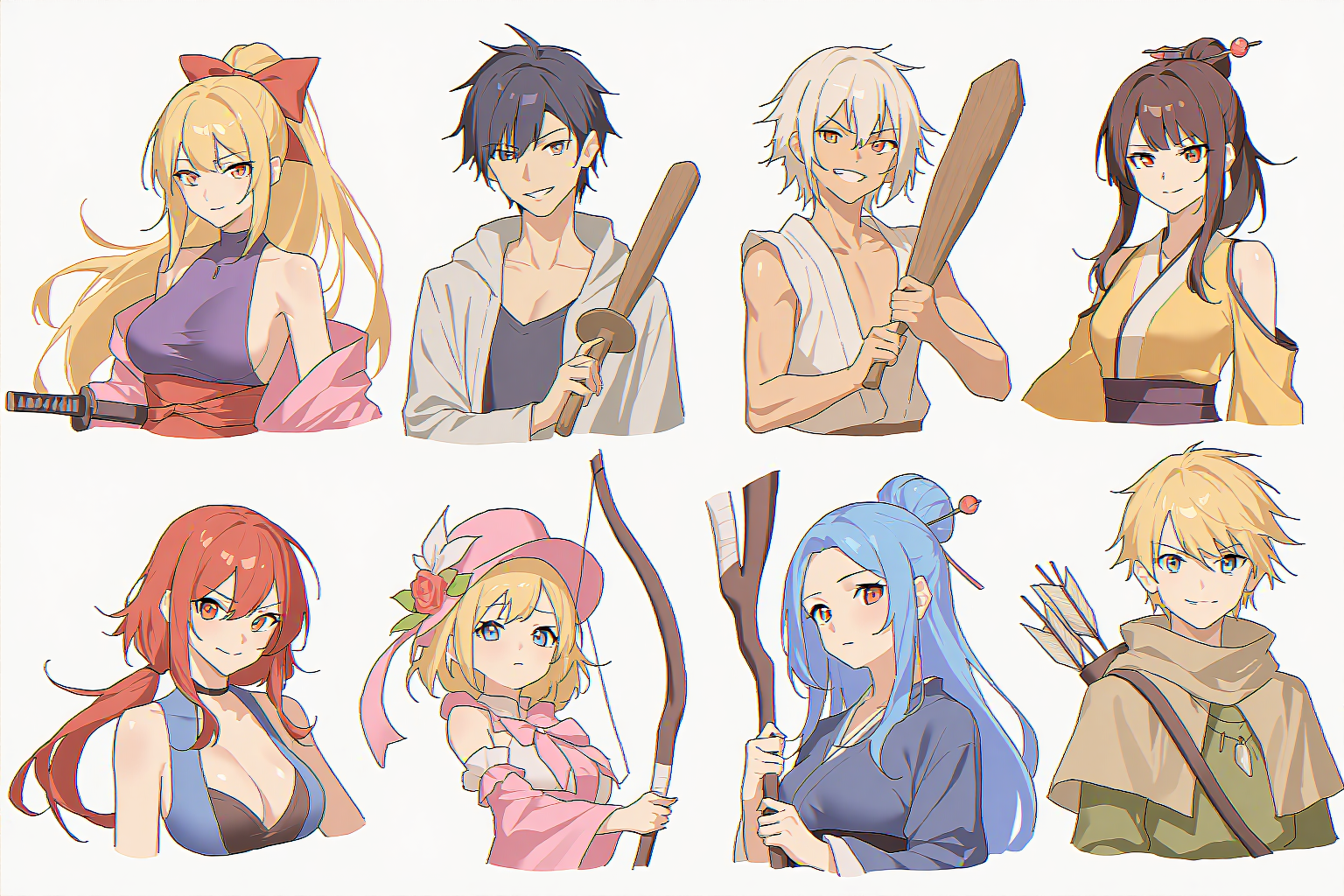
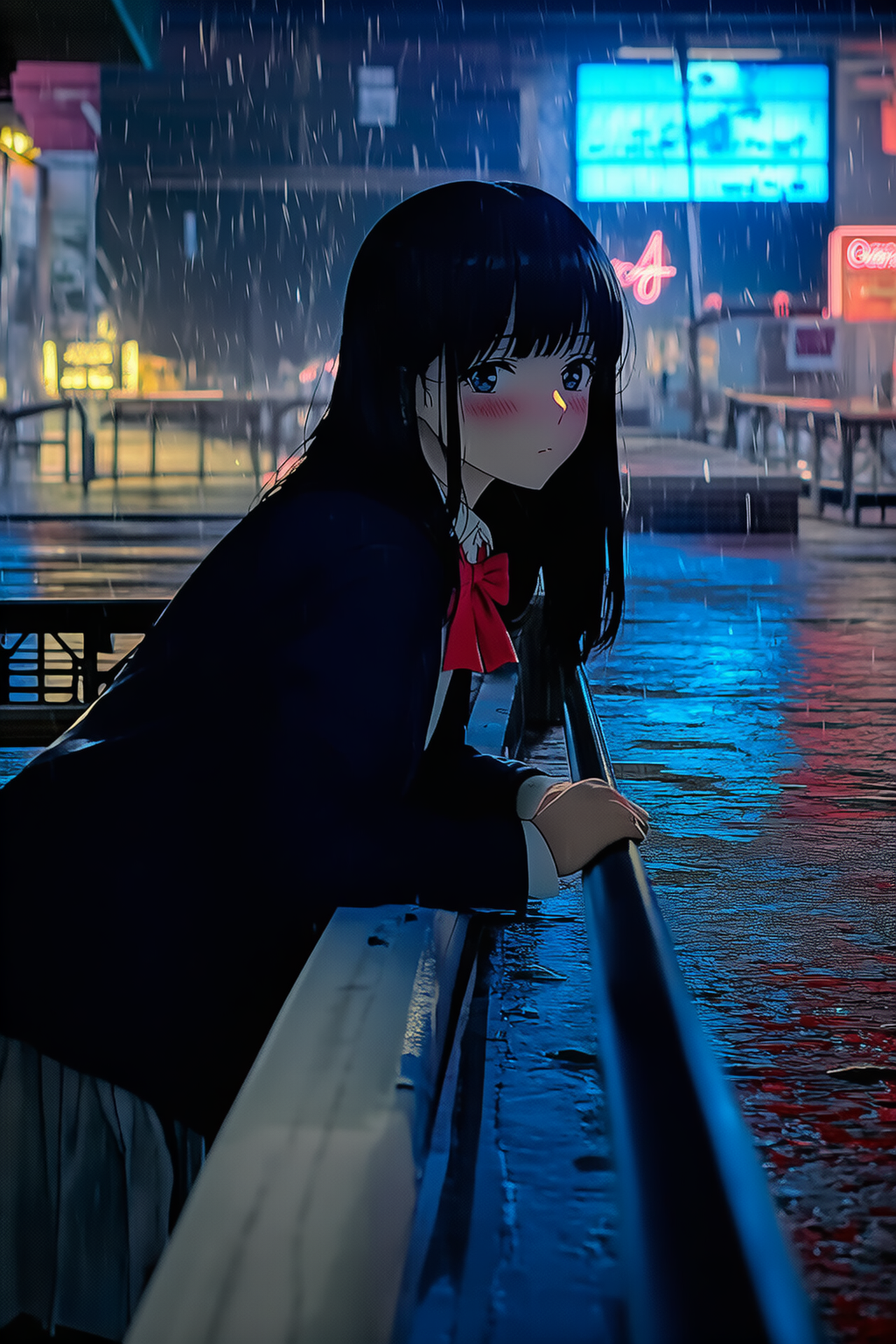
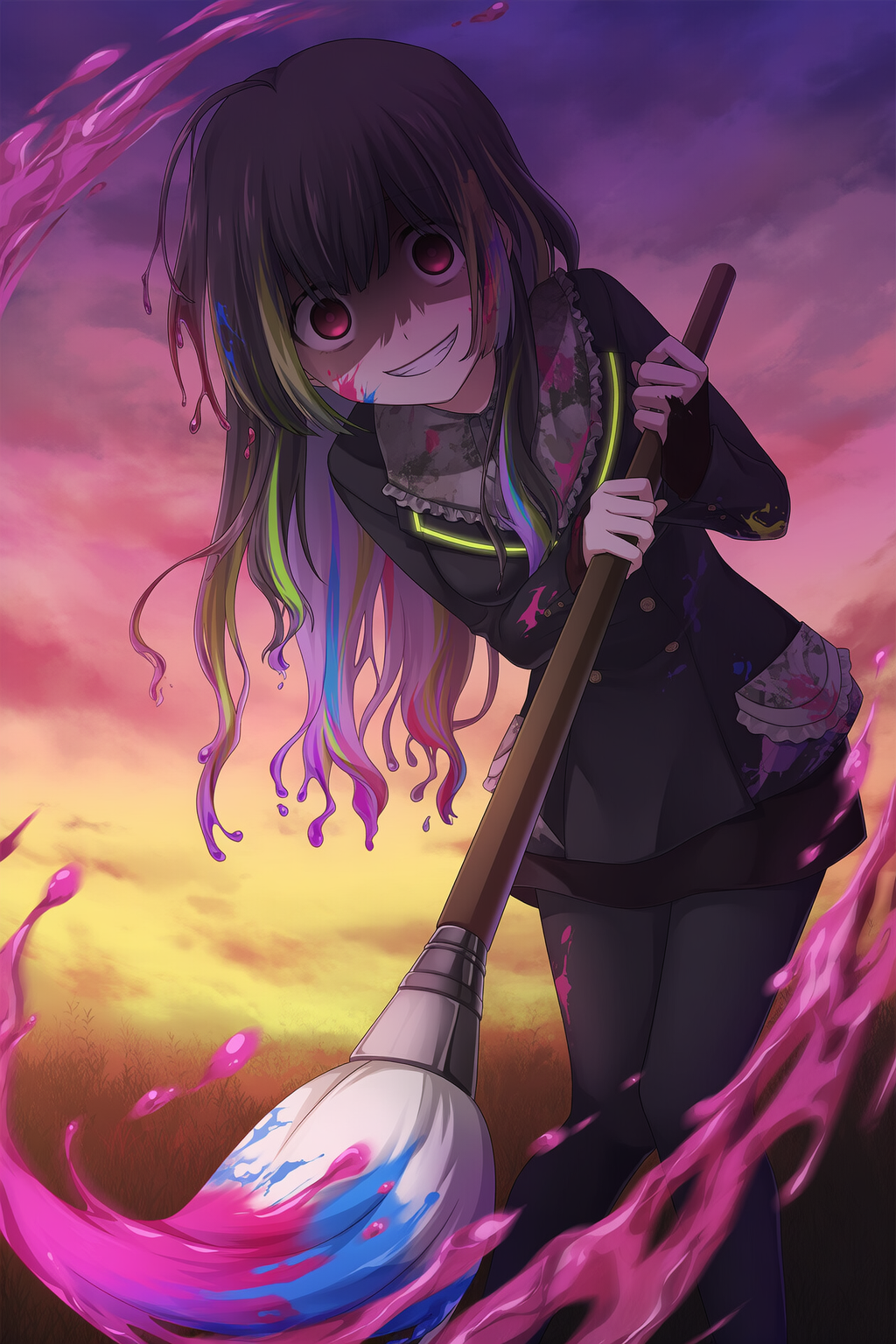
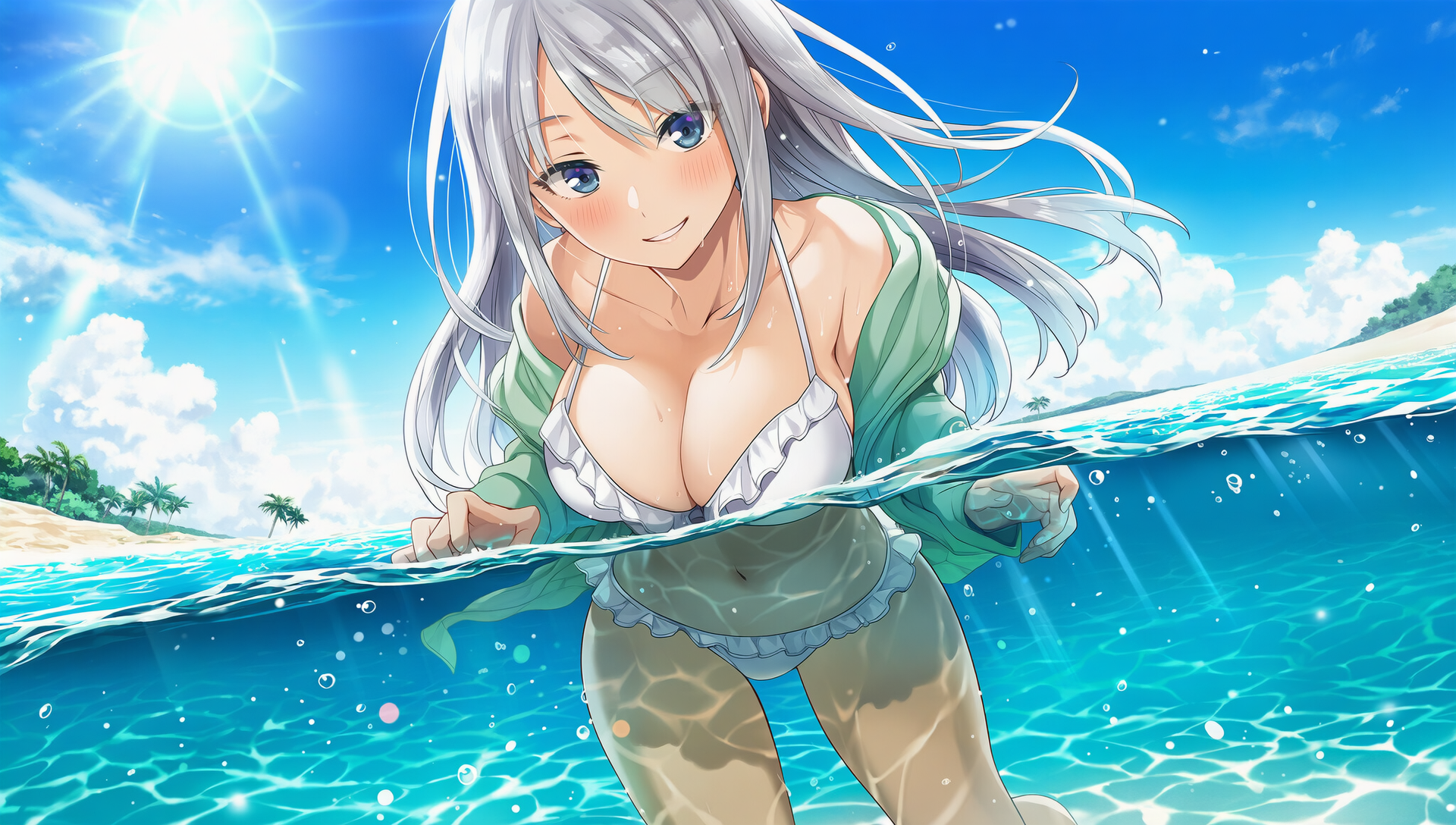
The following is a gallery of V4.5 images collected from our team and our amazing testers!
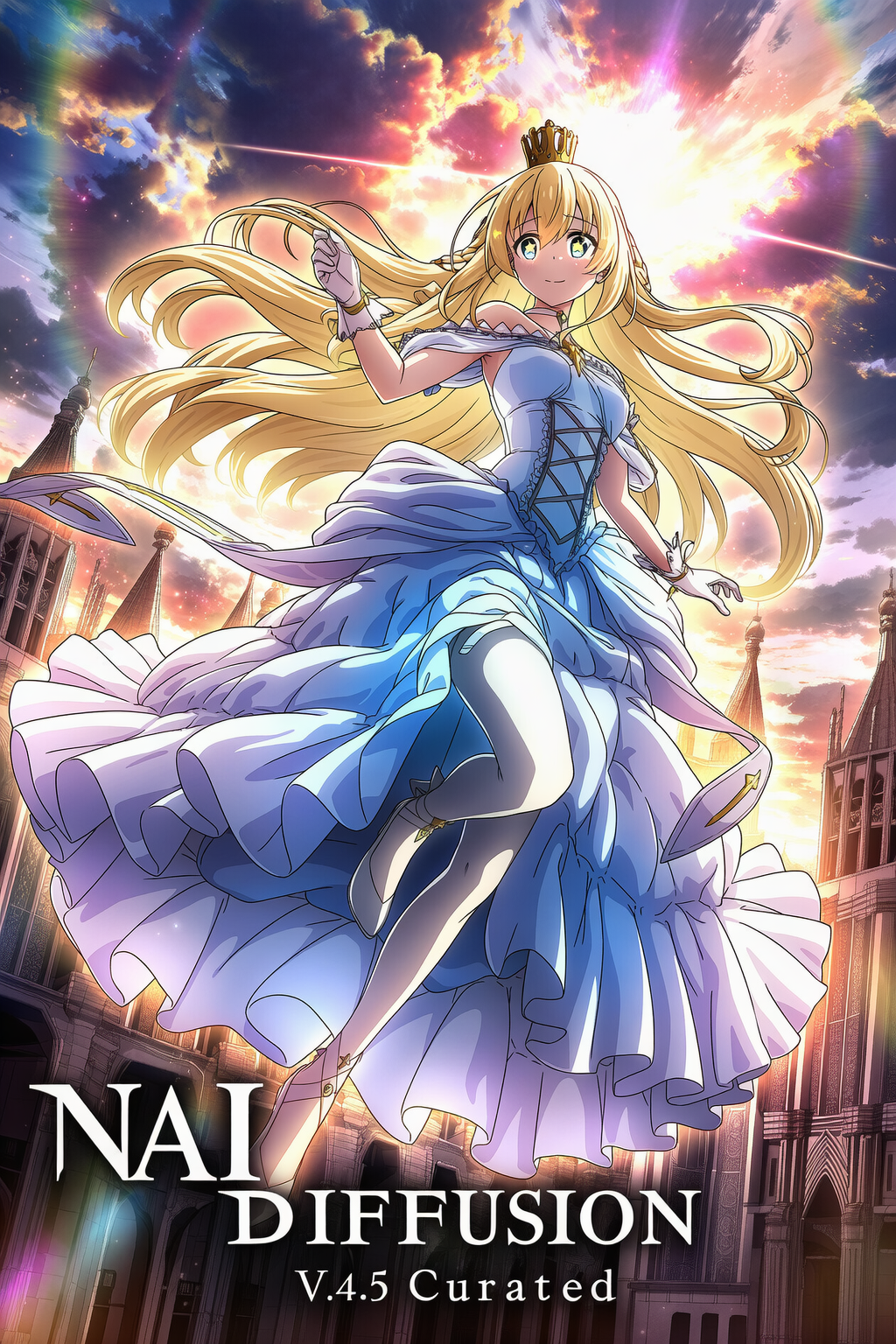
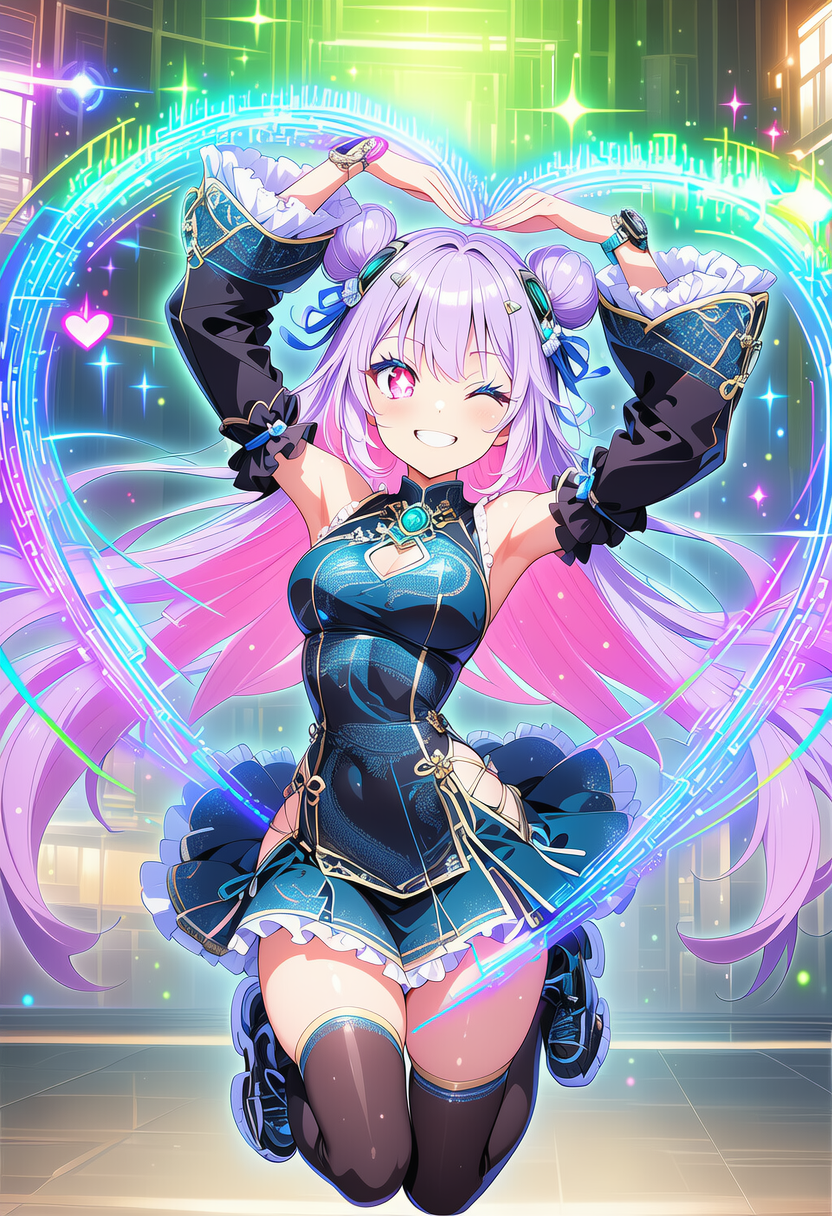
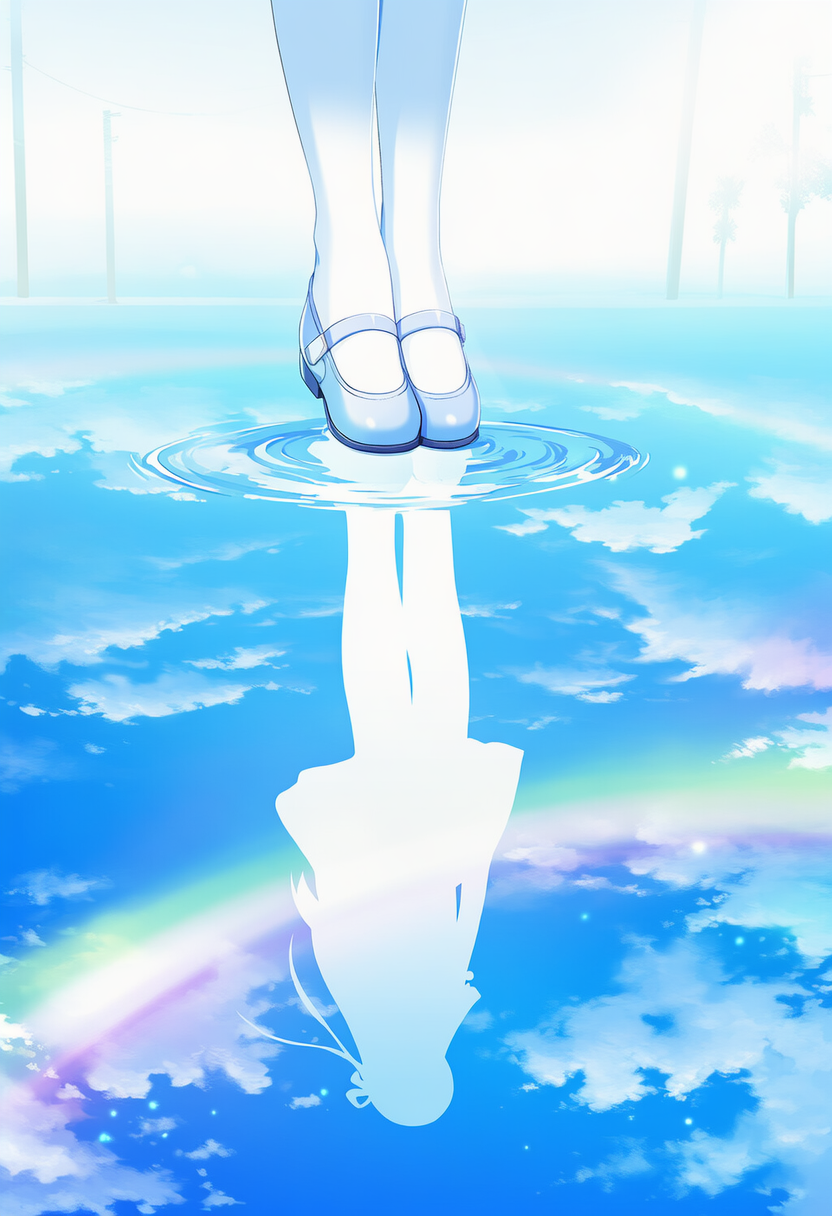
Come share your favorite images made with the NovelAI Community in the official Discord!